Getting Started 16
DEVICE MANAGEMENT
Turn on
Press On/Off button. When the Device is ready to operate, Main
menu or last opened book will appear, depending on settings.
Turn off
Press and hold On/Off button for about two seconds until the
Device goes off.
Lock
You can lock your Device in three ways:
1. Press On/Off button.
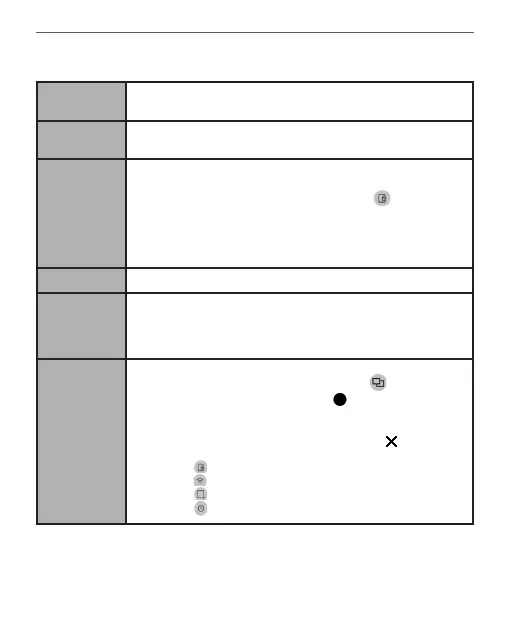
2. Invoke Task Manager. Touch icon to block your
Device.
3. You can set automatic key lock or power off: go to
Settings> Saving Power> Power off after or Lock device after, and
set the idle time before power off or locking Device.
Unlock Press On/Off button.
Restart
In case your device ‘freezes’ (doesn’t respond to pressing buttons,
tapping keys or touching the screen) you can restart it. To do this,
press the On/Off button for 10-12 seconds. Then, turn on the
device in the usual way.
Task
Manager
You can invoke Task Manager in two ways:
• by touching at the notification bar icon;
• by continuous press on the Home button.
Task Manager gives quick access to some Device control features:
• close running applications: press against an
application in the list.
• Lock Device. To unlock, press On/Off button.
• Open wireless connections list.
• Take a screenshot.
• Turn off the Device.















 To Next Page