Getting Started 22
As you type a password (e.g. Wi-Fi credentials) icon
will appear on a text field. Touch it to see typed symbols.
1. Change case;
2. Enter the typed text;
3. Switching keyboard modes;
4. Erase last typed symbol;
5. Change input language.
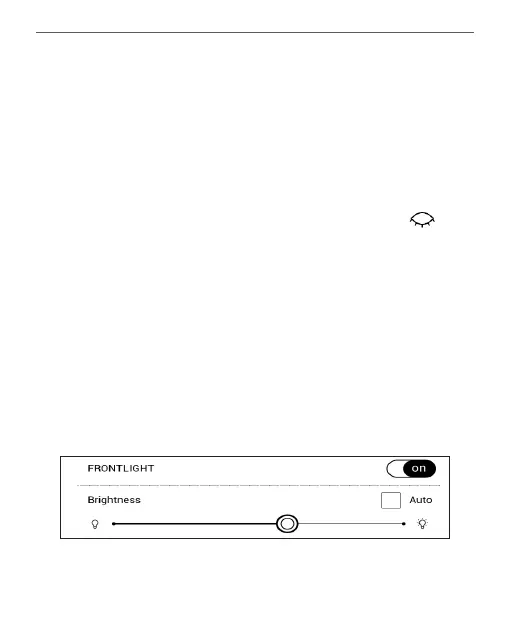
FRONTLIGHT
Also you can adjust the frontlight level using the slider in
the notification bar.















 To Next Page