Reading Books 52
ADJUST FRONTLIGHT BRIGHTNESS IN READING
MODE
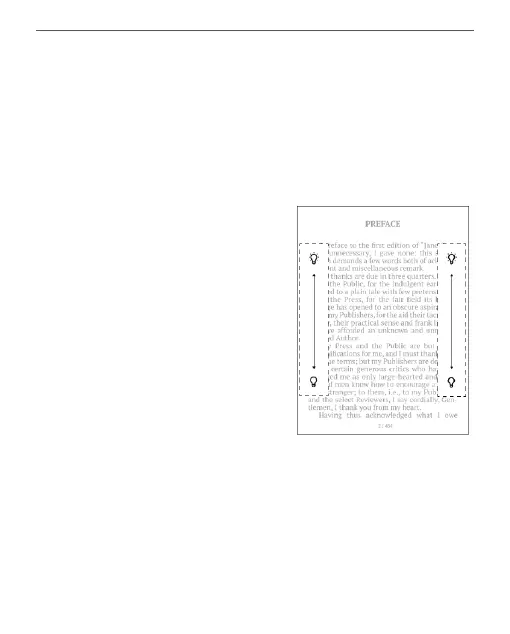
You can adjust the Frontlight brightness a using gestures.
To change brightness without
leaving your book, just swipe
your finger across the screen as
shown in the illustration.
If the Frontlight automatic ad-
justment mode is enabled, then
the device will ask if you want to
disable it and configure the set-
tings manually, without interrupting your reading.















 To Next Page