Getting Started 21
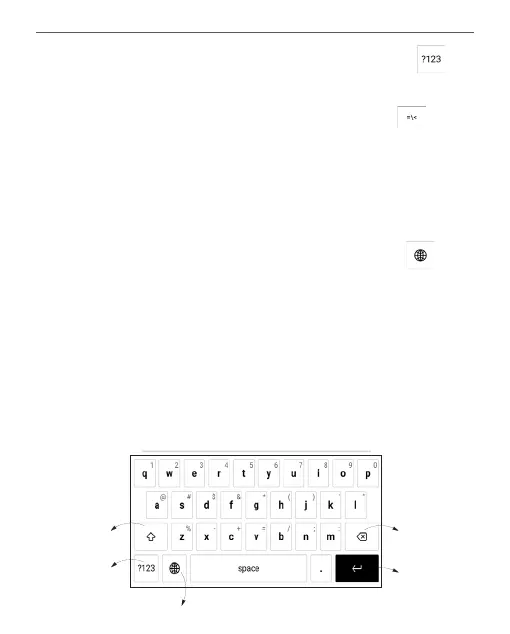
To switch from alphabet to numeric keyboard, tap . To
switch from numeric to alphabet keyboard, tap .
To add a new keyboard language, go to Settings > Lan-
guages > Keyboard layouts.
To switch to a different keyboard language, tap . The
selected language is displayed on the spacebar.
If necessary, you can enable/disable the preview of special
characters in the top-right corner of the keyboard. To do
so, go to Settings > Languages > Keyboard layouts > Key
shortcut preview.
5
3
1
4
2















 To Next Page