Applications 31
a screen, you can scroll it: place your finger on the screen
and move a page. Also, you can change scale of a web-pa-
ge using zooming gestures (pinch or spread two fingers).
Hardware buttons / are used to scroll page vertically:
scrolls down and scrolls up, respectively.
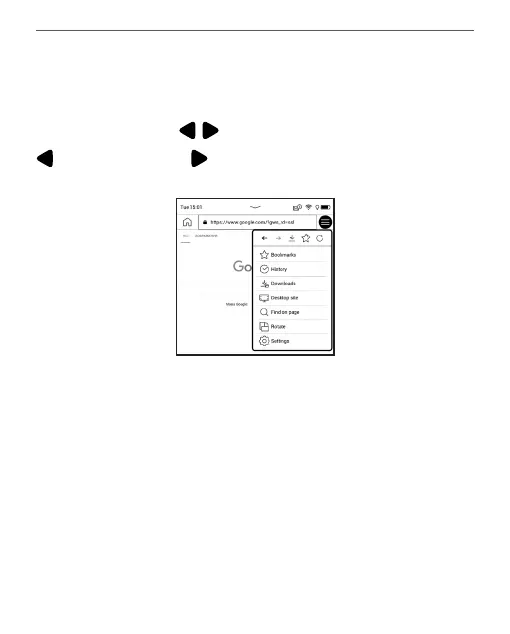
From browser menu you can view history of visited websi-
tes, downloads, favorites, adjust scale of displaying web-
pages, rotate a screen and configure the browser from
Settings section. Under Settings you can clear history and
cookies, disable/enable JavaScript and loading images.
To exit Browser, touch the corresponding item in browser
menu.















 To Next Page