Reading Books 57
change the translation, edit the context, delete the saved
translation or context and delete this note.
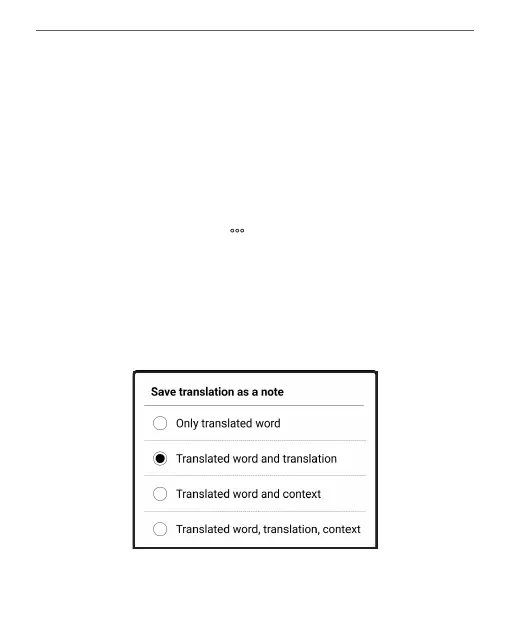
In the dictionary panel there is also an opportunity to con-
figure how the translation of a word will be saved as a note.
To do this tap on the icon on the dictionary panel, go to
Save translation as note, and select the desired option in
the menu that opens to save the translation and context in
notes.















 To Next Page