Reading Books 61
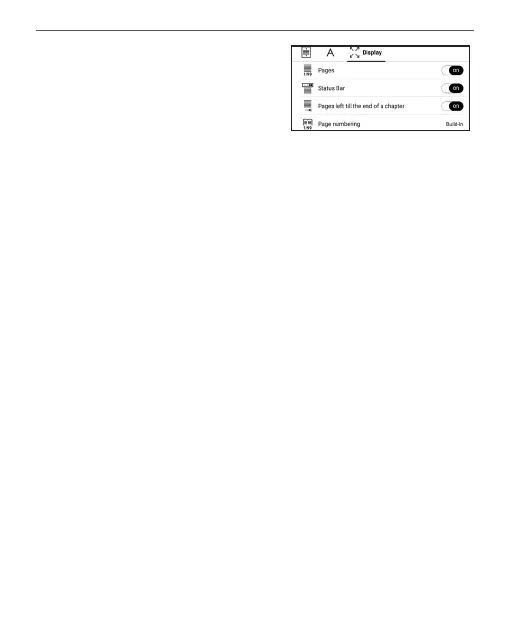
Screen tab - you can enable or
disable page numbering, the sta-
tus bar and set how the pages
are numbered.
Built-in page numbering displays the number of pages in
the book’s original layout. One page can cover one or sev-
eral screens, depending on reading settings.
If the function is disabled, the numbering will display the
number of screens. It may take a while to calculate the
number of screens when you first open the book, or after
the reading settings have been changed. The number of
screens won’t be calculated again whenever the book is
opened after this.
PDF & DjVu
You can change only the whole page scale only (except
Reflow mode for PDF).















 To Next Page