Reading Books 64
(universal). If you are not happy with the playback quality, long
press on a book in the Library, on the desktop, or in the reading
settings to change the playback software.
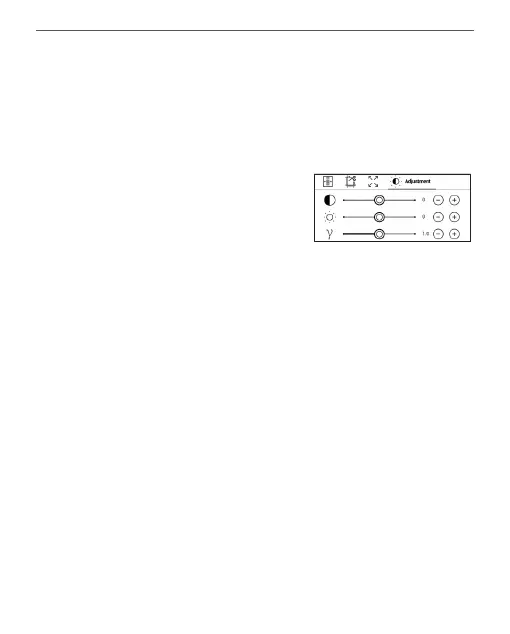
Adjustment tab - Contrast, bright-
ness and gamma are automati-
cally adjusted when you first open
a book. In this tab, you can adjust these settings to your
preference.
You can also set up touch gestures in the Reading mode.
To do this, go to Settings > Personalize > Gestures in read-
ing mode.
More information about gesture settings can be found in
the Personalization section.















 To Next Page