Reading Books 78
synchronization, all new books are automatically stored
in your PocketBook Cloud account. The book will be au-
tomatically uploaded to your PocketBook Cloud after you
open the book on your Device, or you can choose Upload
to PB Cloud option in the context menu.
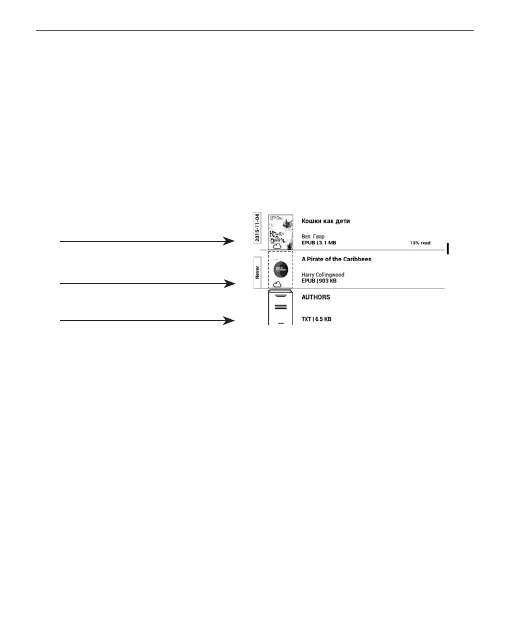
File stored both in Device
memory and in PB Cloud
File stored only in PB Cloud
File stored only in Device
memory
• Deleting books. Use the context menu to remove a
book from PocketBook Cloud. There are two options – De-
lete (from the device’s memory) and Remove from Cloud.
If the file is stored on PocketBook Cloud and is only de-
leted from the device’s memory, it will appear again after
the next synchronization. If the file was deleted from the
Cloud, it cannot be restored.















 To Next Page