Settings 86
Swipe in Reading mode — allows you to
customize swipe from right to left, swipe
from left to right, swipe from bottom to
top, swipe from top to bottom.
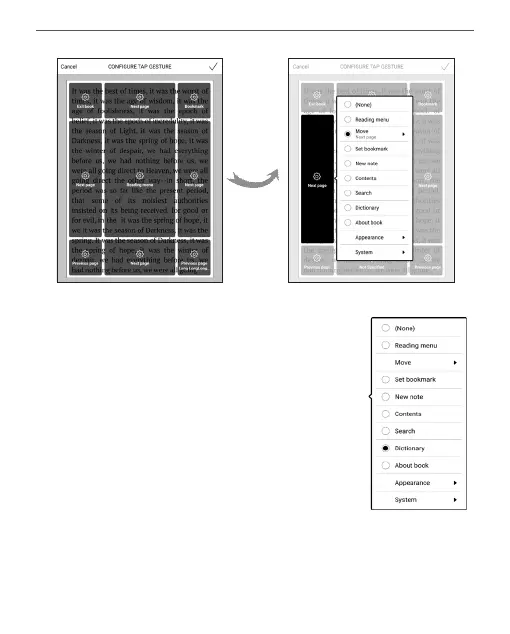
Select the desired Swipe gesture, and in
the context menu that opens, select the
desired setting for this gesture.















 To Next Page