Landscape View
You can use your Pocket PC in a landscape manner. Tap Æ Settings Æ System
Æ
Screen Æ Landscape.
2.4 Navigation Bar and Toolbar
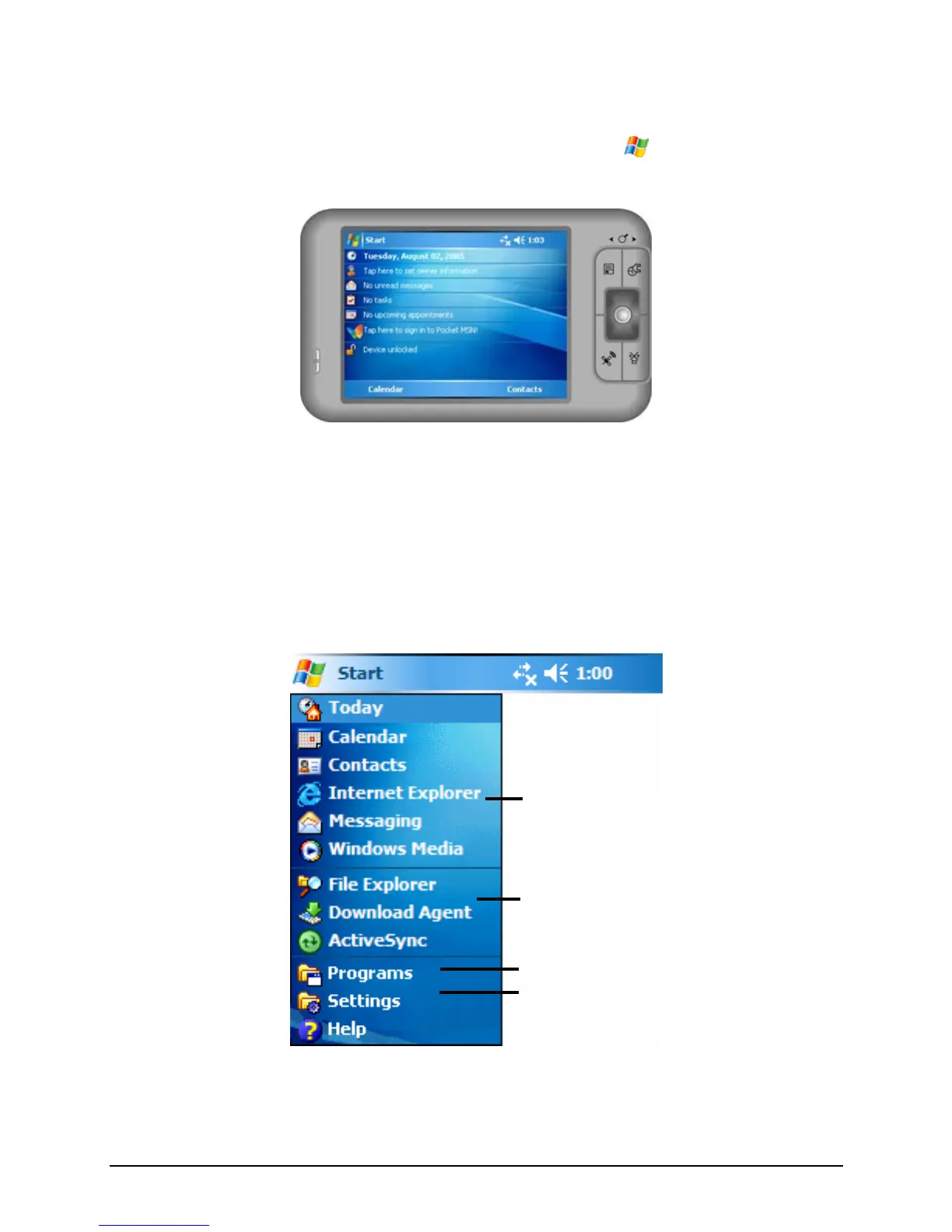
The Navigation bar is located at the top of the screen. It displays the active
program and current time and allows you to switch programs and close screens.
The Navigation bar and Start menu:
Tap to select a program.
Tap to quickly select a program you
have recently used.
Tap to see additional programs.
Tap to customize the Pocket PC.
16



 To Next Page