6 Getting Connected
To take full advantage of your Pocket PC, you will want to get connected. This
connected through a variety of
describes Internet Explorer for
Your T620 has a built-in you are in a
wireless LAN (WLAN) en ct to the network without
physical cables.
Turning On
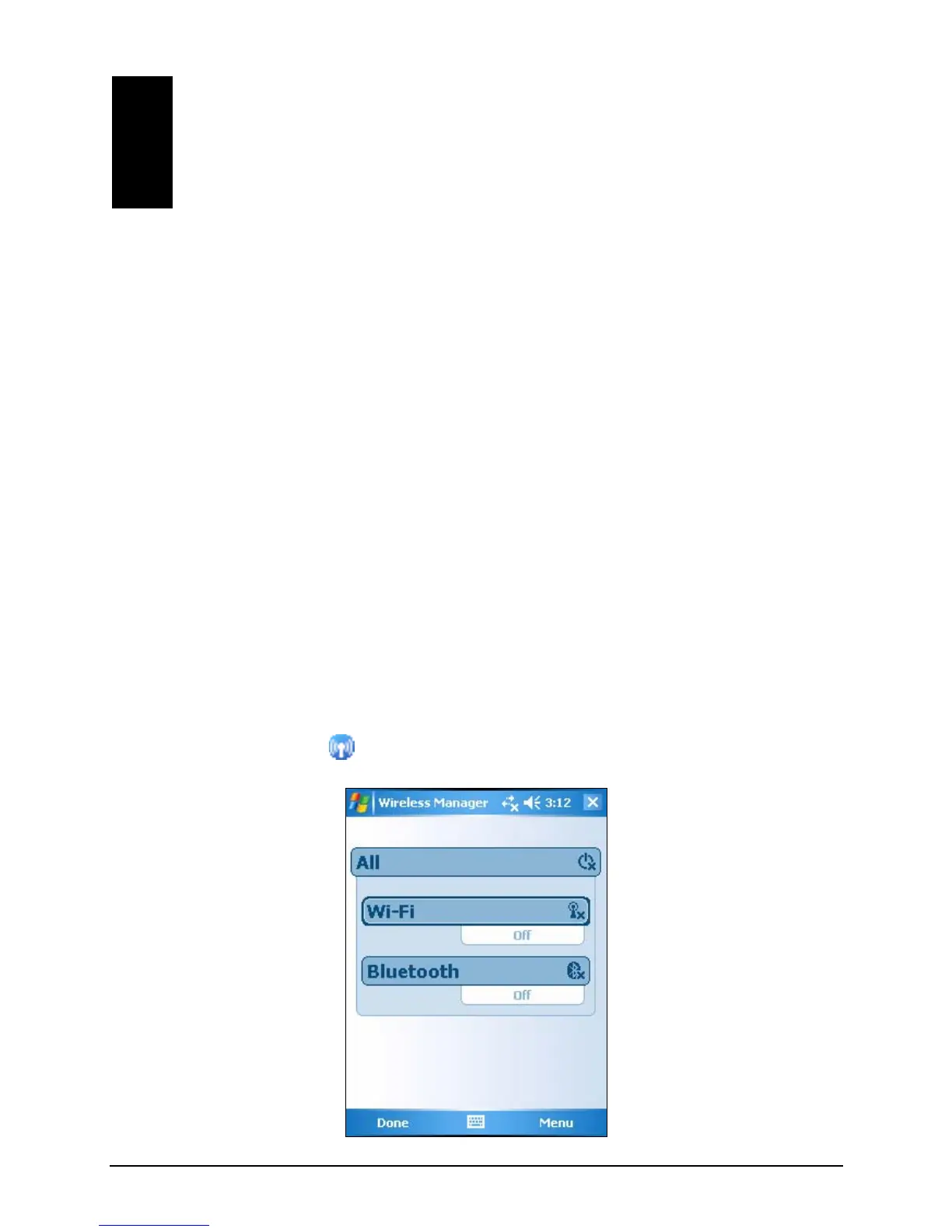
By default, the Wi-Fi radio is turned off. e Wi-Fi radio, follow this
procedure:
1. Tap the Wi-Fi icon
chapter tells you how you can get your Pocket PC
ways including modem, and network card. It also
Web browsing.
6.1 Wireless N twork Connection (For T620 Only) e
wireless network module. As long as
vironment, you can conne
and Off the Wi-Fi Radio
To turn on th
on the Today screen to access Wireless Manager.
66



 To Next Page