7 Troubleshooting and Maintenance
ncou
NOTE: If you encounter a problem you cannot solve, contact your dealer for assistance.
Troubleshooting and
Maintenance
This chapter gives solutions to common Pocket PC problems you may
e nter. It also provides guidelines on taking care of your Pocket PC.
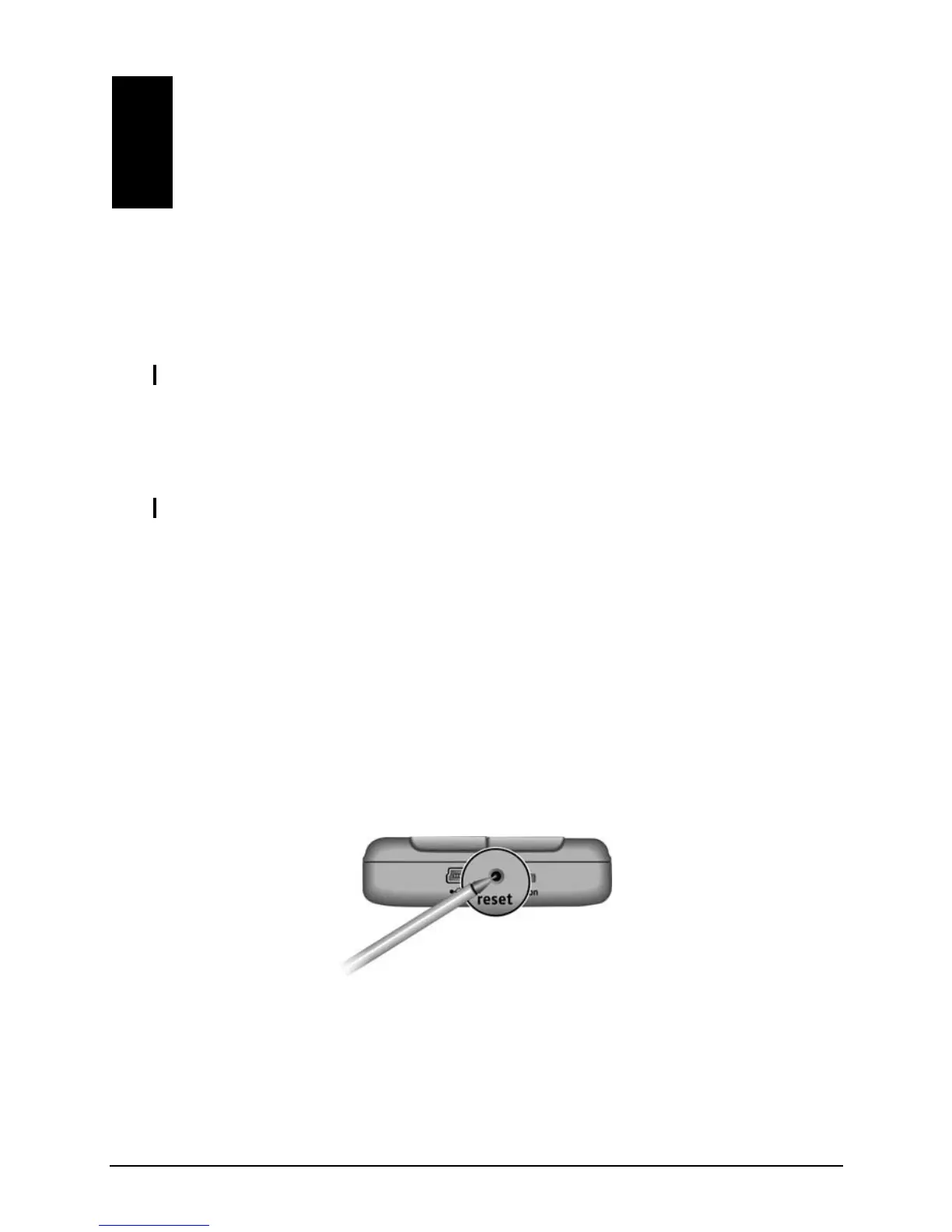
7.1 Resetting Your Pocket PC
CAUTION: Resetting will cause unsaved data to be lost.
Resetting your Pocket PC is similar to restarting your desktop com
puter. It
, you may need to reset your Pocket PC; for example, you should
z in other words, it appears to be
Use the styl
restarts the operating system, but you will lose any unsaved data.
Occasionally
reset:
z After you restore data from your desktop computer.
When your Pocket PC stops responding;
“frozen” or “locked up.”
us to press the reset button on your Pocket PC.
79



 To Next Page