4 Microsoft Pocket Outlook
This chapter tells you how to use Microsoft Pocket Outlook that includes
Calendar, Contacts, Tasks, Notes, and Messaging. You can use these programs
individually or together. For example, e-mail add
resses stored in Contacts can be
used to address e-mail messages in Messaging.
other
App ed on the Today screen.
Tap
4.1 Calendar: Scheduling Appointments and
Meetings
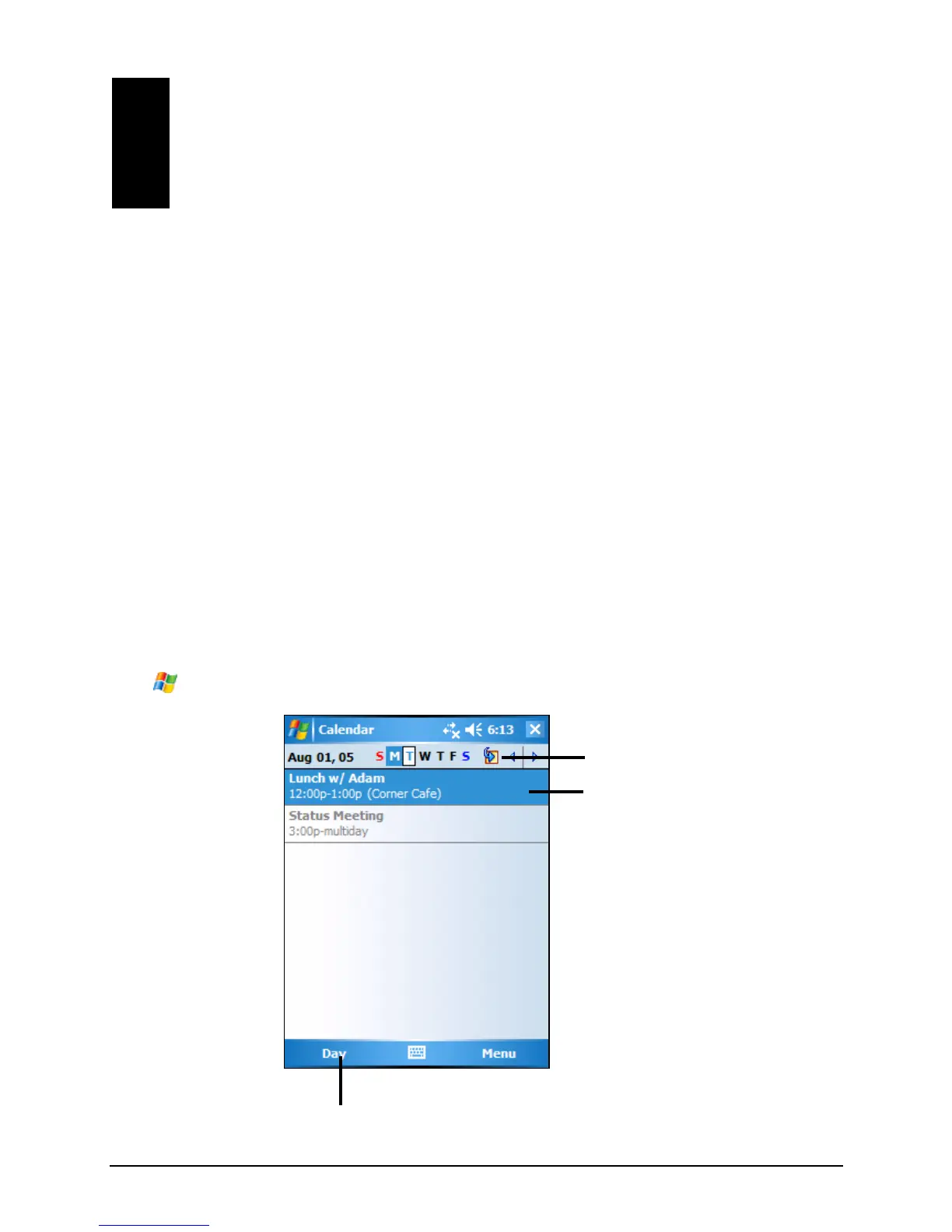
Use Calendar to schedule appointments, including meetings and other events. You
can check your appointments in one of several views (Agenda, Day, Week, Month
and Year) and set Calendar to remind you of appointments with a sound or
method. ointments for the day can be display
Æ
Calendar to switch to the program.
Tap to go to today.
Tap to display or edit
the
appointment details.
Tap to switch to another view.
37



 To Next Page