7.2 Restoring Last State
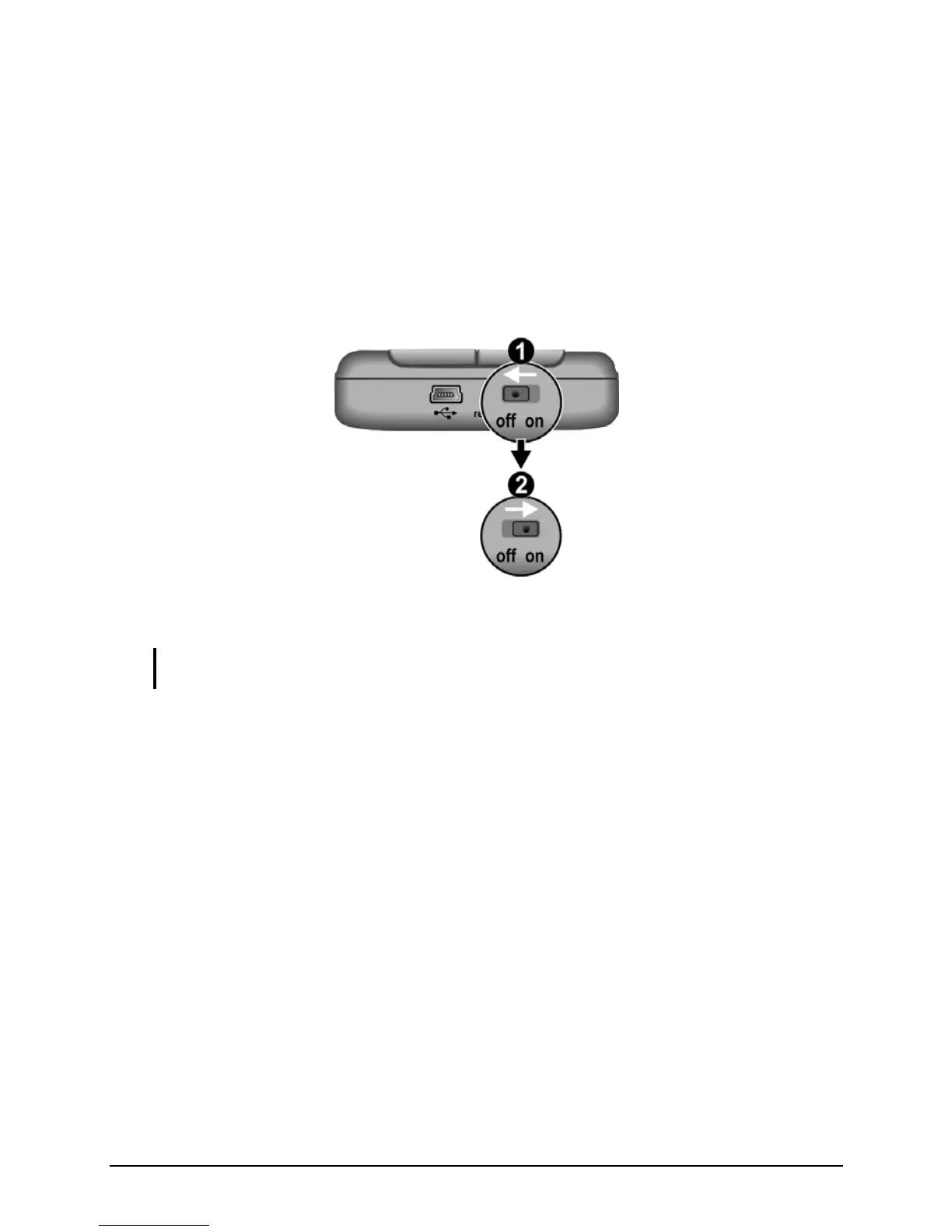
Follow this procedure to restore your Pocket PC to the last state when your
Pocket PC does not respond after being reset.
1. Disconnect all cables, including the AC adapter, from your Pocket PC.
2. Slide the ON/OFF switch to the OFF position.
3. Wait for 1 minute and then slide the switch back to the ON position.
Wait for one minute.
4. Your Pocket PC turns on.
NOTE: You need to restore your Pocket PC to factory default state if you have set up a
password but forget it. (See “SysInfo” in Section 5.8.)
80



 To Next Page