1 Getting Started
This chapter introduces you to the external components of your Pocket PC and
guide
he
s you through the process of setting up your Pocket PC for use.
NTOE: Depending on the model you purchased, the cabinet color and the look of t
accessories may be different from the ones shown in this manual.
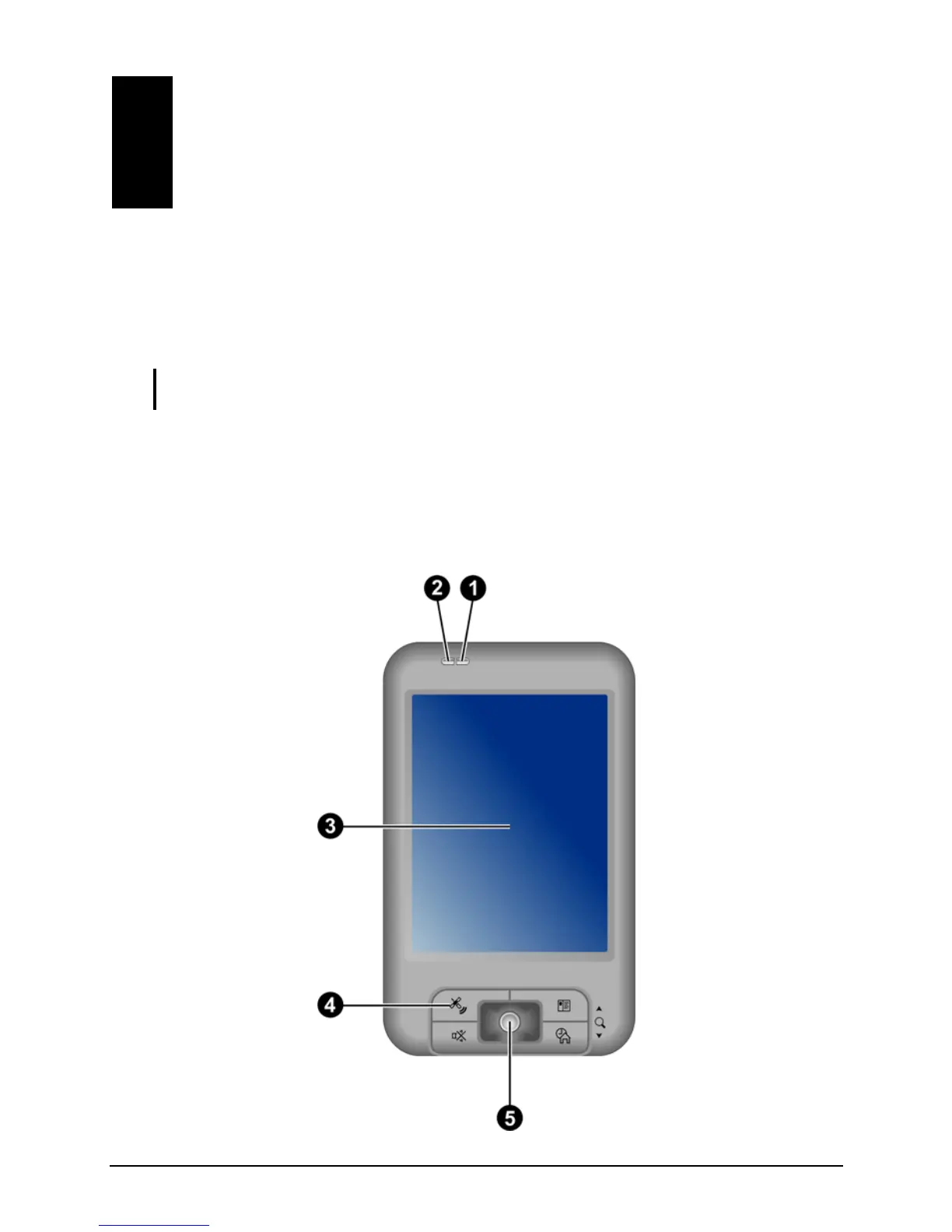
1.1 Identifying Hardware Components
Front Components
1



 To Next Page