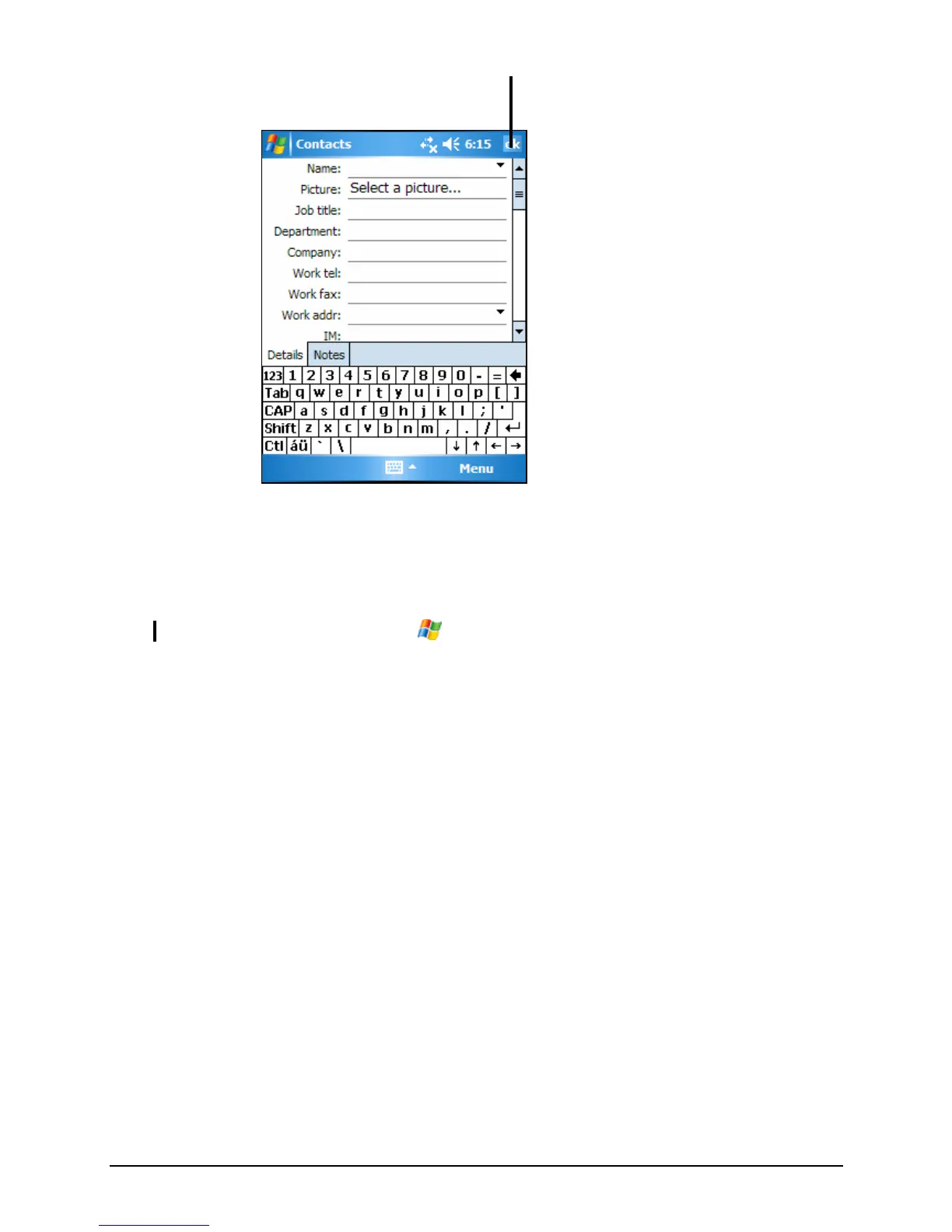
Tap to return to the contact list (the
contact is saved automatically).
2. Using the Input panel, enter a name and other contact information. You will
need to scroll down to see all available fields.
3. Tap
OK to save and return to the contact list.
NOTE: For more information, tap Æ Help.
41



 To Next Page