Appearance
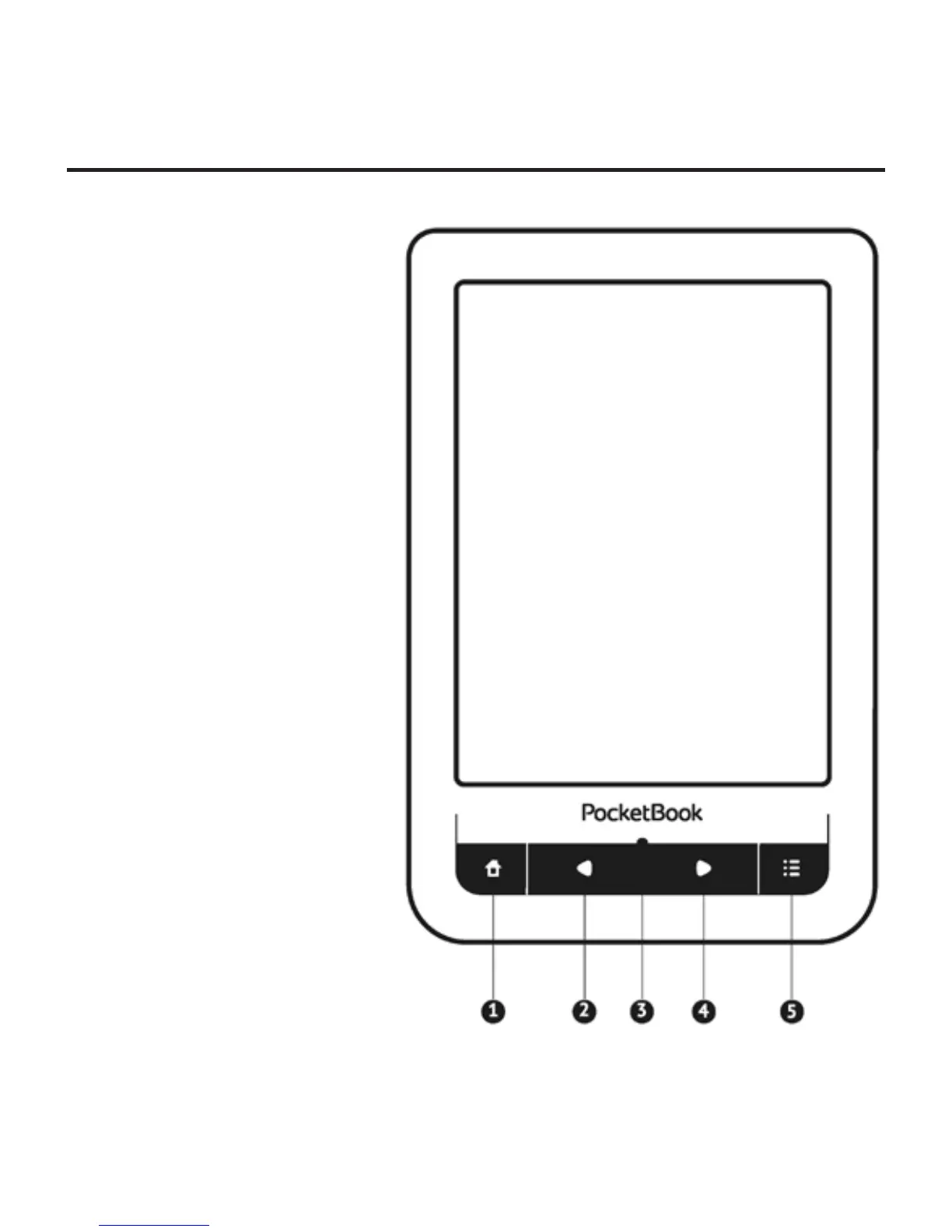
FRONT VIEW
1. Home – return to
Main menu
2. Backward – turn
page backward
3. LED Indicator – dis-
plays Device power mode. Dur-
ing the charging it glows, when
battery is charged, it turns off.
During the Device usage green
light indicates power consum-
ing (screen refresh, music play-
back, Wi-Fi connection etc.)
4. Forward – turn
page forward
5. Menu – open context menu (if available).















 To Next Page