Main Menu 29
LIBRARY
Library is e-books le manager. To open a book, touch its
title. Library menu allows to lter, group, sort, change ap-
pearance of the section and perform search.
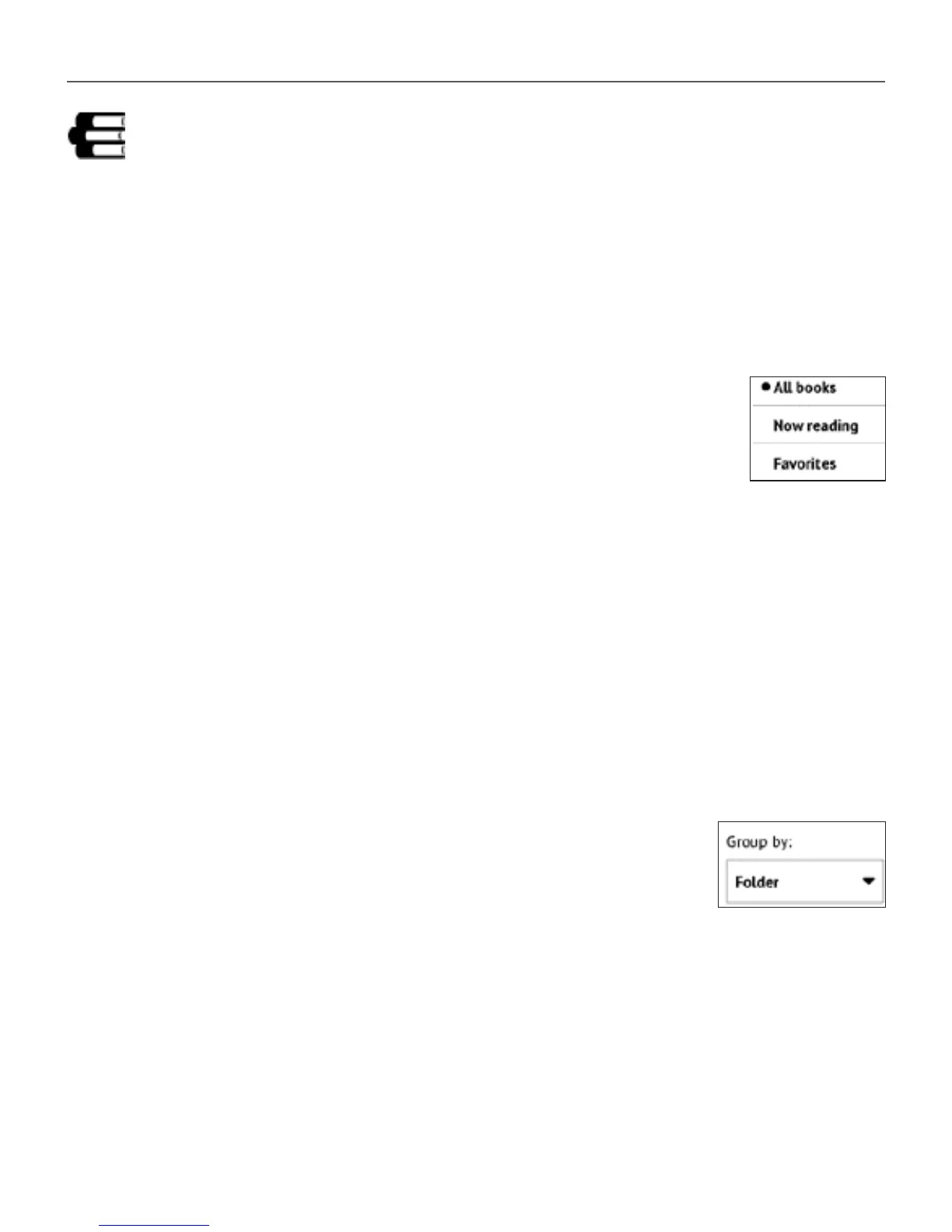
1 Filtration criteria
• All Books – all books on selected storage are
displayed
• Now reading – books were opened and read more
than one page
• Favorites – books chosen by a user by means of
the context menu.
2 Grouping criteria
Depending on selected grouping next parameters are dis-
played as folders’ titles:
• Folder – real folder name
• Author – an alphabet is added at the top of the screen
• Series















 To Next Page