Getting Started 24
INSERTING MICRO SD CARD
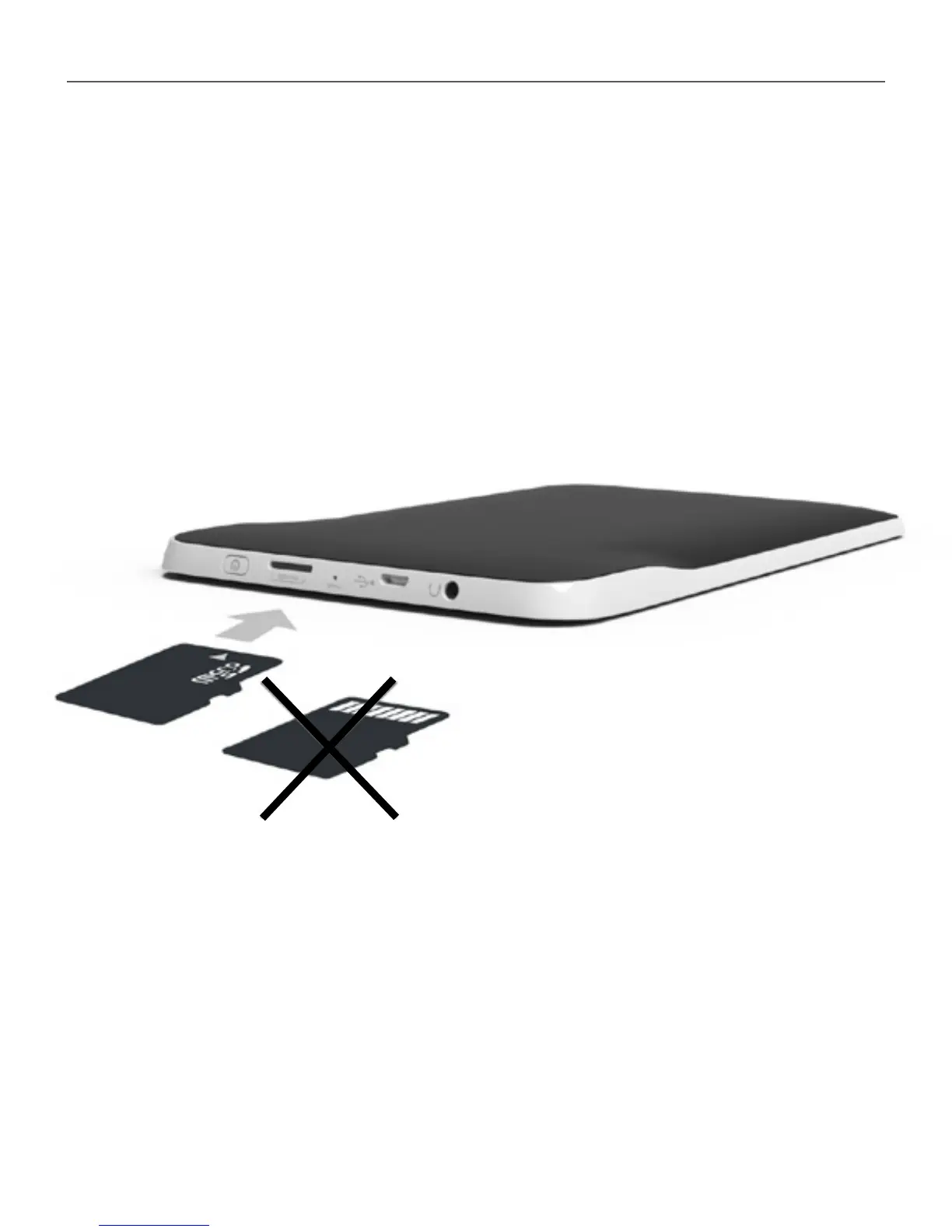
The Device already has 2 GB of internal storage, but you
can extend it by using micro SD card. Insert it to the slot,
like it is shown on a gure, and slightly push until card
will be xed.
To eject the card, slightly press on its edge until it will be
unxed, and pull it to get.















 To Next Page