Main Menu 30
• Genre
• Format
• Date Added.
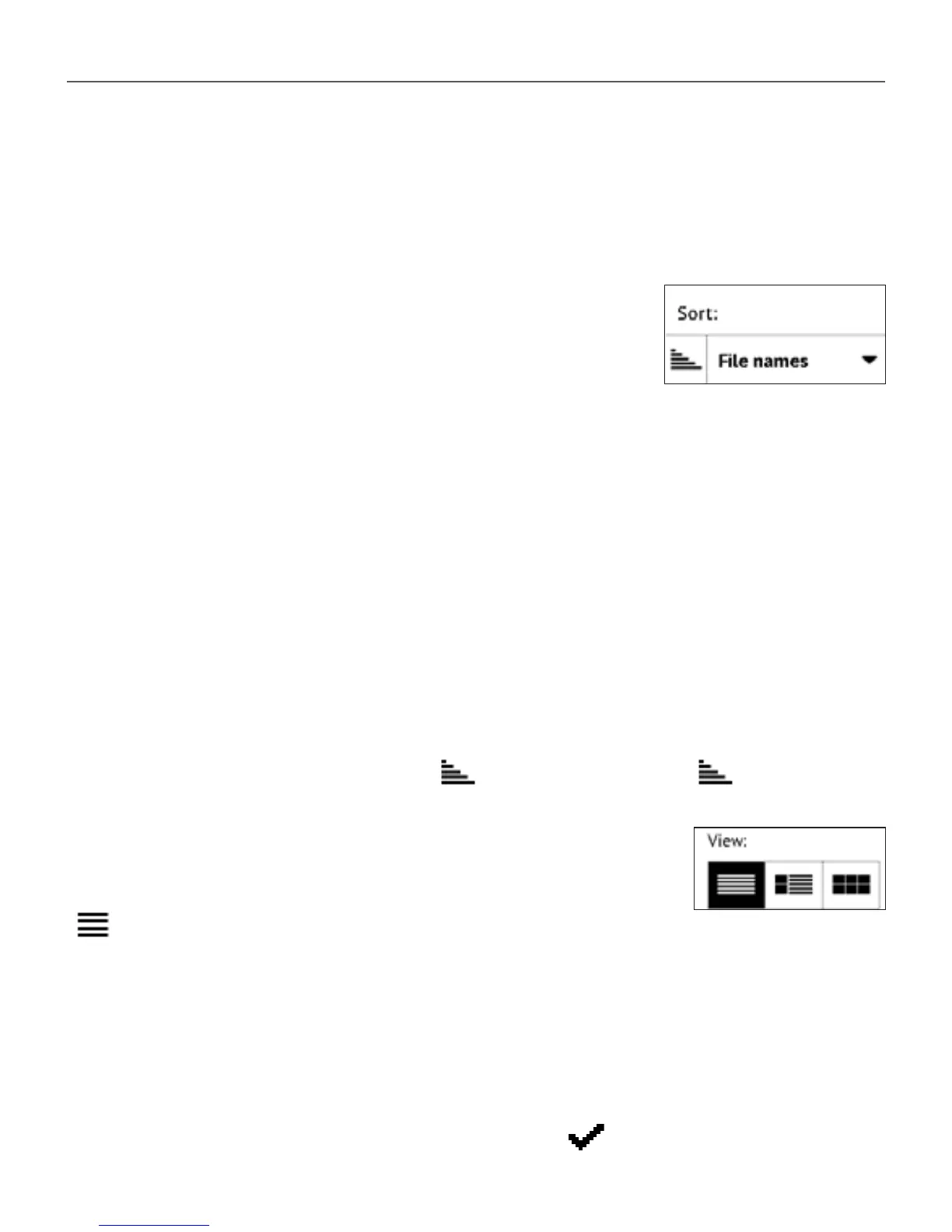
3 Sorting criteria
• File names
• Book titles
• Last opened
• Creation date
• Series
• Author.
Sorting can be ascending or descending .
4 Books list views
Simple – in this mode next information is displayed:
• Folder or le format icon
• Book title and author name (if known)
• Location icon (if le is located on memory card)
• Read percentage and Read status.















 To Next Page