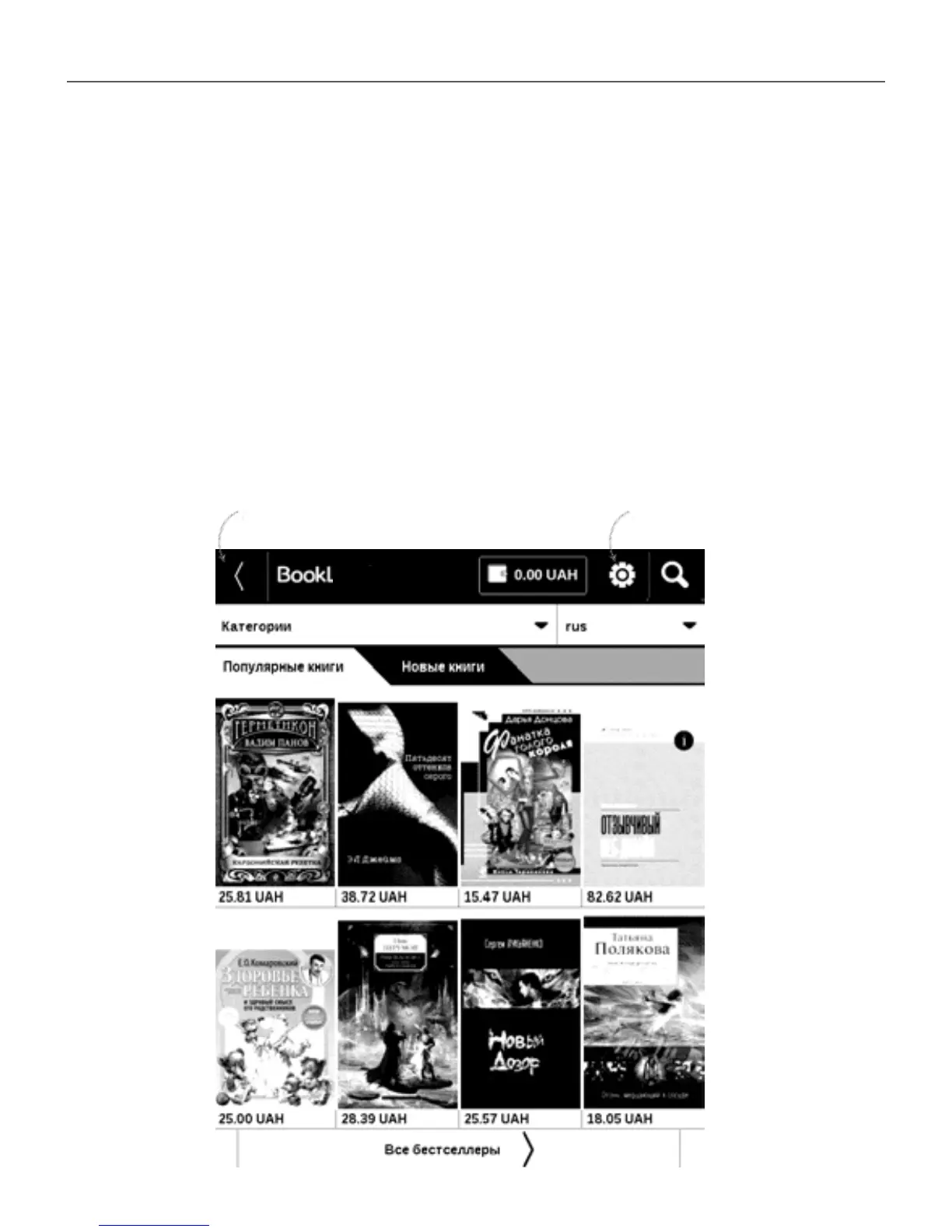
Main Menu 42
2. Add your Device to your account by entering a se-
rial number of a device on the site.
3. Enter your account data at Book Store in the sec-
tion Settings > Accounts and Synchronization in your Device
If the connection with an account is set properly, you get
access to all the features of a portal.
Exit
Personal room
Land















 To Next Page