Reading Books 61
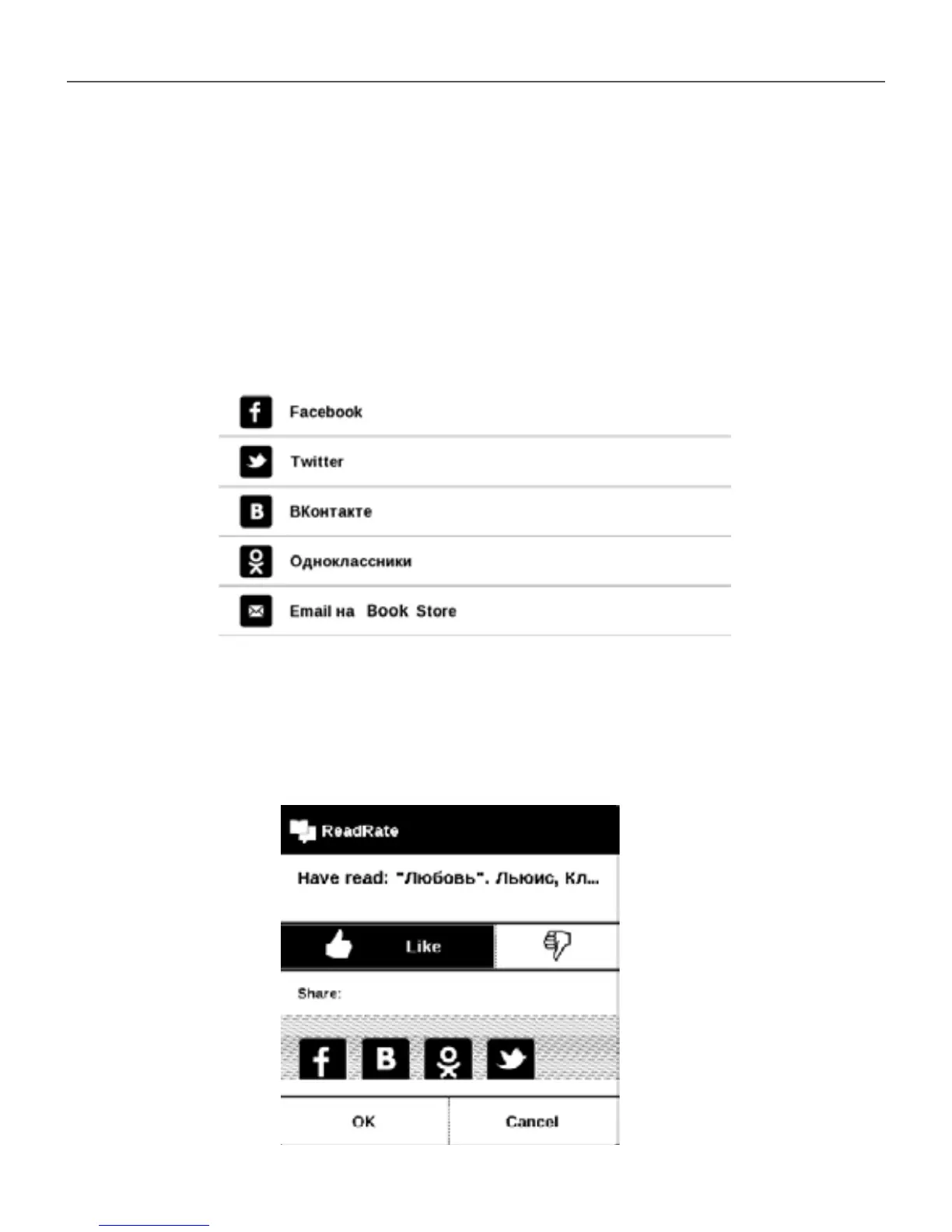
Now reading, Have read, Like, Unlike
1. Touch one of the options (Now reading, Have read,
Like or Unlike).
2. Enter data (E-mail and password) of one of your
accounts: in social networks or in the market Book Store.
3. In consequence there will be created the Read-
Rate prole, you can link another social networks ac-
counts to it. After authorization the window appears:















 To Next Page