Getting Started 23
FRONTLIGHT
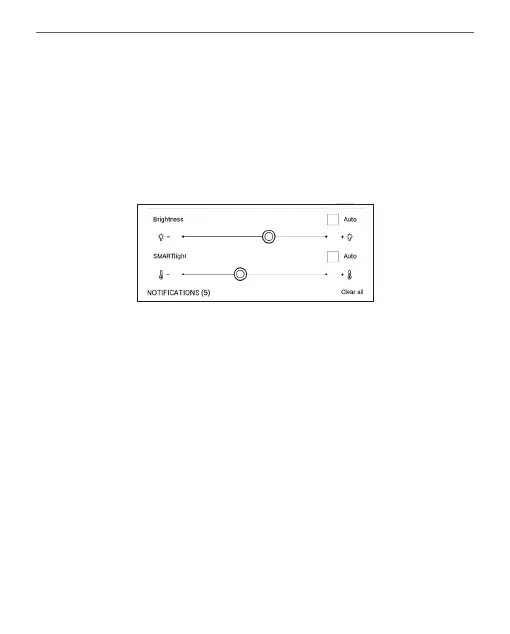
Open the Notication bar to display the Frontlight
control menu. The Frontlight control menu has two
parts:
1. General frontlight control. This includes an ON/
OFF switch to turn the light on and o and a bright-
ness slider.
NOTE: To turn the frontlight on or o without opening the
Notication bar, hold the Menu button for one second.
2. SMARTlight frontlight temperature control.
By default, this function is in automatic mode (the















 To Next Page