Applications 34
displaying web-pages, rotate a screen and congu-
re the browser from Settings section. Under Settings
you can clear history and cookies, disable/enable Ja-
vaScript and loading images.
To exit Browser, touch the corresponding item in
browser menu.
NOTES
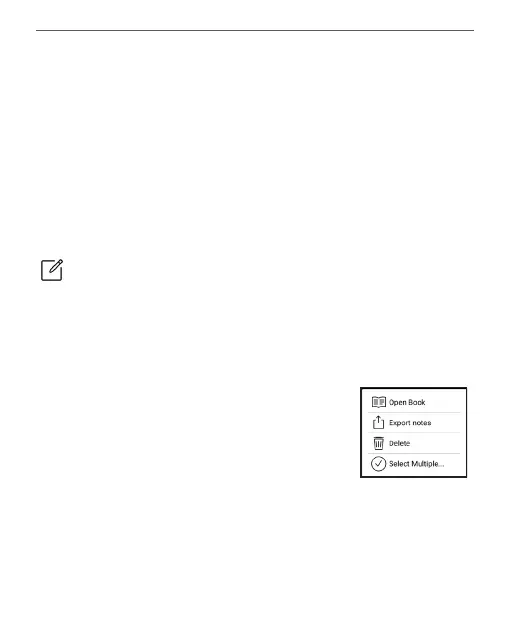
The Notes application shows a list of books that con-
tain notes as well as the notes themselves made in
these books. These can be selected
text fragments, pencil notes, screens-
hots, translation notes made using a
dictionary while reading as well as
comments on these selected fragments. The applica-
tion can also be used to export or import notes.















 To Next Page