Applications 33
To enter website address, touch address bar, type
an address from on-screen keyboard appeared and
press Enter. To follow a link, just touch it. If a web-
page doesn’t t a screen, you can scroll it: place your
nger on the screen and move a page. Also, you can
change scale of a web-page using zooming gestures
(pinch or spread two ngers). Hardware buttons /
are used to scroll page vertically: scrolls down
and scrolls up, respectively.
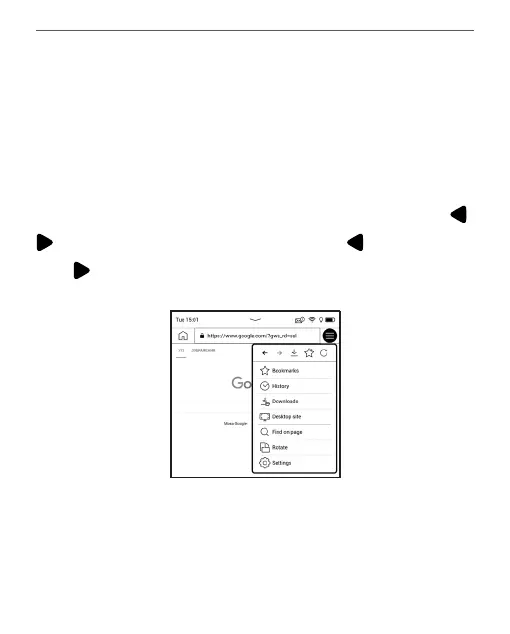
From browser menu you can view history of visi-
ted websites, downloads, favorites, adjust scale of















 To Next Page