Reading Books 75
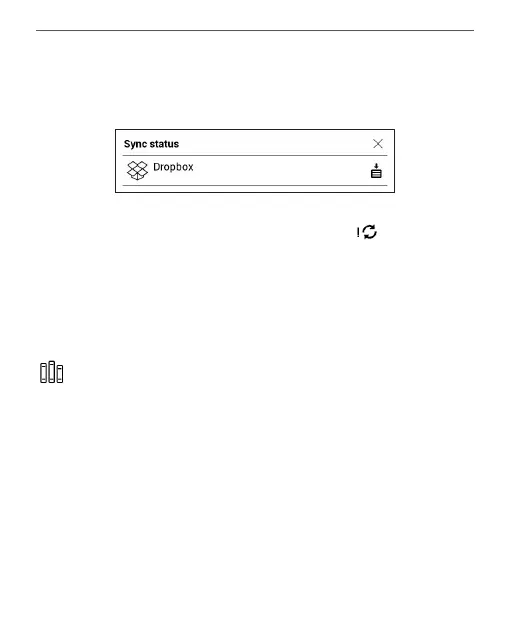
open a window with the synchronization status of
all services.
The icon in the status bar changes to if the error
occurred during synchronization of one of the ser-
vices. If all synchronization processes are completed
without errors, the icon in the status bar disappears.
LIBRARY
Library is e-books le manager. Library menu allows to
lter, group, sort, change appearance of the section and
perform search.















 To Next Page