Applications 35
On the main screen of the application, tapping long
on a book with notes, a context menu will open that
allows you to open the book, export or delete notes
or select several books with notes for further group
actions on the notes of selected books.
The Notes Menu allows you to sort, export and
change the display of notes made in the book.
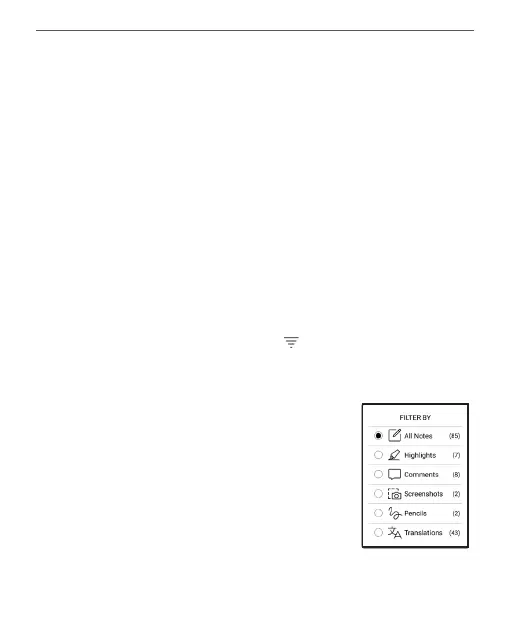
1. Filtering
To lter notes select the icon .
Notes are ltered by the following categories:
• All Notes;
• Highlights;
• Comments;
• Screenshots;
• Pencil Notes;
• Translation Notes;















 To Next Page