Applications 36
2. Sorting
Depending on the selected option, books with notes
can be sorted by the following categories:
• Most recent rst;
• By title (A — Z);
• By author (A — Z);
• By number of notes.
To sort notes, select the icon , or tap on the icon
, and select Sort by.
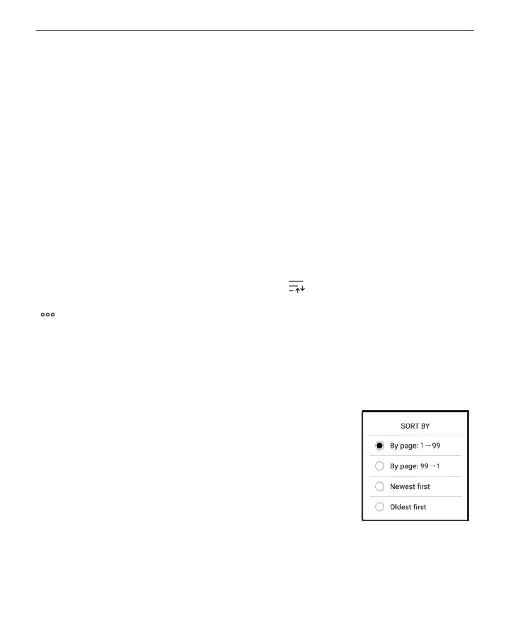
In the menu that opens, notes can be sorted by the
following categories:
• By page 1 — 99;
• By page 99 — 1;
• Newest rst;
• Oldest rst.















 To Next Page