Applications 37
3. Exporting notes
To export notes, tap on the icon , and select a
note. To select all notes tap , then tap Export notes.
You can also export multiple notes using the long-
tap gesture on the note and select Select multiple... >
Select action > Export notes in the window that opens,
specify the path for the export and tap on Export. By
default, exported notes appear in the Library in the
Notes folder.
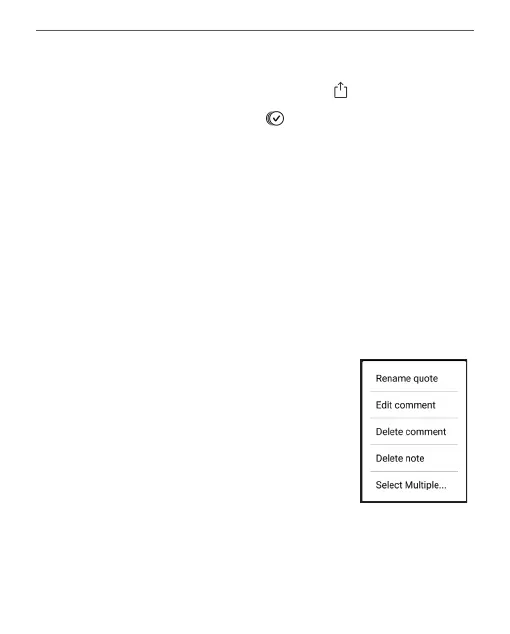
By tapping long on a note, a context menu will open,
in which the following options are available:
• Rename quote;
• Edit comment;
• Delete comment;
• Delete note;
• Select multiple...















 To Next Page