Applications 31
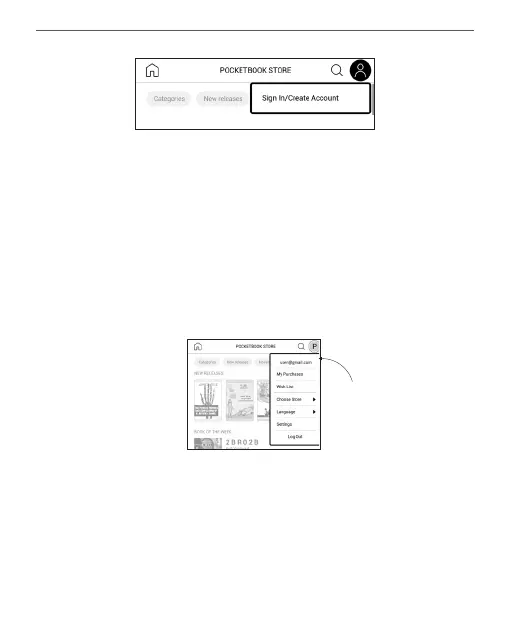
Then follow the onscreen instructions. If the connec-
tion to the account has been set up correctly, you will
have access to all of the PocketBook portal features.
In order to manage the account, the following sections
are available in the Personal Account:
• My purchases — a list of purchased goods.
• Wish List — a list of desired books.
• Book language — select the language for the
displayed books.
Personal
Account















 To Next Page