Reading Books 68
• Page edges — shows the border of the part of
the page that was displayed on the previous screen
by a barely noticeable dotted line.
NOTE: This device can display books using dierent reading
programs. Long press on a book in the Library or on the
desktop to select a program. You can also select the pro-
gram in the reading settings. You can open EPUB les with
PB Reader (EPUB2/EPUB3); PDF les can be opened with
PB Reader (quick) and PB Reader (universal). If you are not
happy with the playback quality, long press on a book in the
Library, on the desktop, or in the reading settings to change
the playback software.
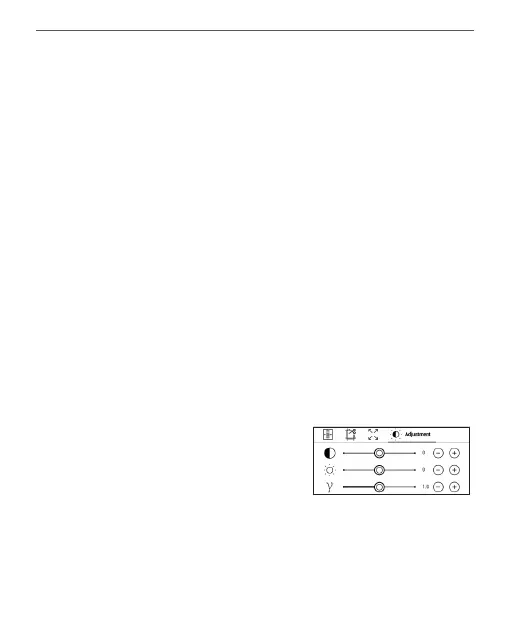
Adjustment tab - Contrast,
brightness and gamma are au-
tomatically adjusted when you
rst open a book. In this tab, you can adjust these
settings to your preference.















 To Next Page