Settings 91
Your custom settings will be displayed in this section
as you create them.
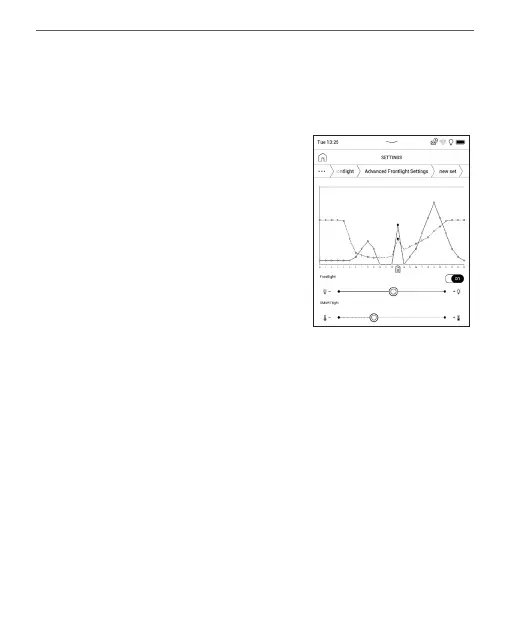
When a new settings conguration is created, a
graph will be displayed on the
screen where you can set the
Frontlight brightness and its
SMARTlight colour temperature.
To dene a parameter, position
the cursor at the required time
on the graph, and by moving
the sliders under the graph
dene the comfortable brightness and temperature
for each hour.
If you want to apply the new conguration
immediately, exit the graph parameters and conrm
the new settings. When a conguration is pressed,
a context menu will appear that will allow you to
manage custom Frontlight settings:
• Activate;
• Edit;















 To Next Page