PM84 Android 13 User Manual
Learning the Basics
41
© 2023 Point Mobile Co., Ltd. All rights reserved
Lock the Screen
Protect the device from unauthorized personnel by setting up the screen lock.
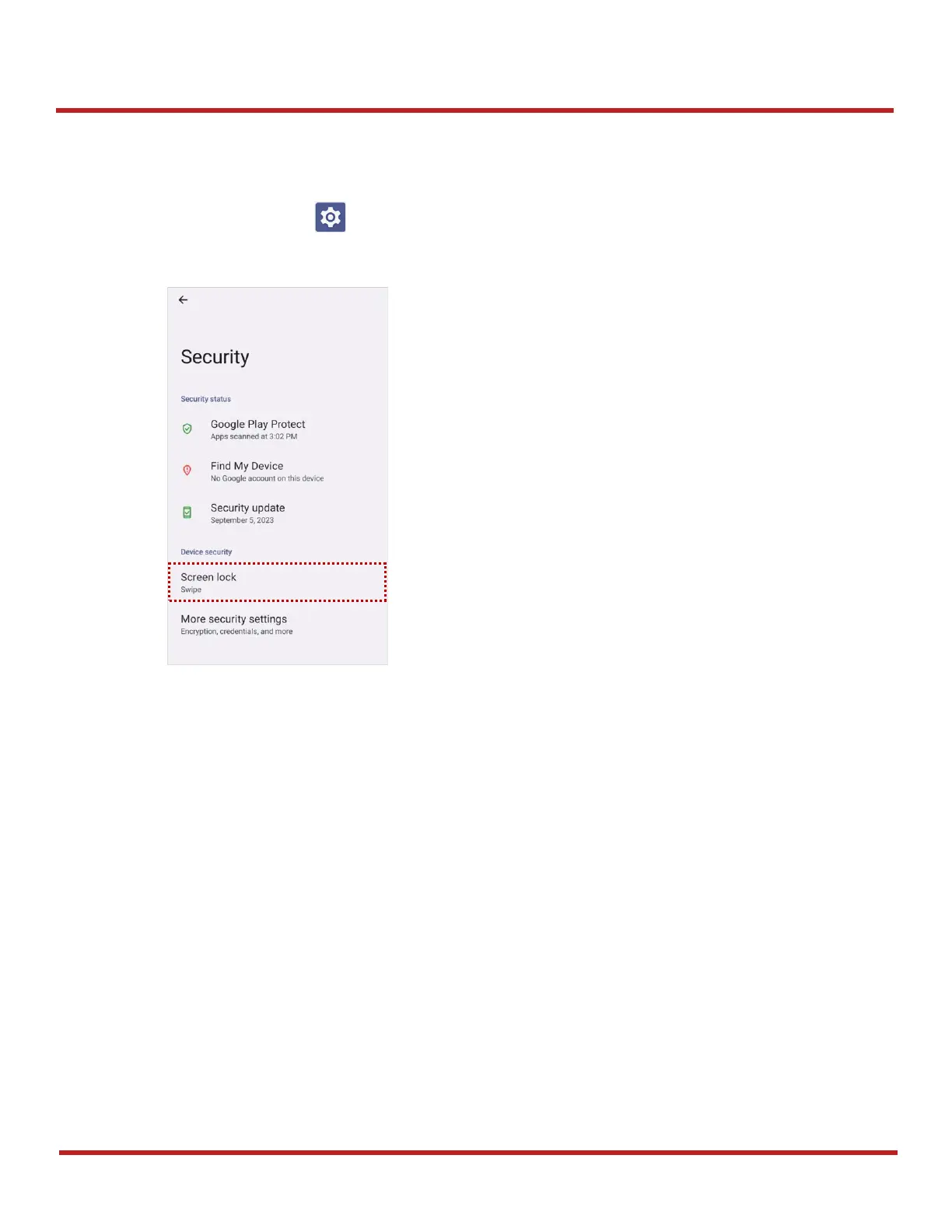
1. Navigate to
Settings
>
Security
.
2. Tap
Screen lock
.
3. Choose a screen lock method.
- None: Screen unlocks immediately
- Swipe: Swipe the lock screen to unlock (Default)
- Pattern: Draw a pattern to unlock
- PIN: Input a PIN to unlock (At least 4 digits)
- Password: Input a password to unlock (At least 4 characters)



 To Next Page