Rel. 03
36
3) Select the quantity of boards to be processed in column n° 2
4) Select in column n° 3 “X” to perform the mirror along the length X of the panel
The machine inverts the QX face 0.
Function that allows you to make the panels right and left by a single drawing.
5) Reset the list by pressing the button
6) Cancel possible previous programmes from column n° 4
7) Save the programmes list by clicking on button n° 5
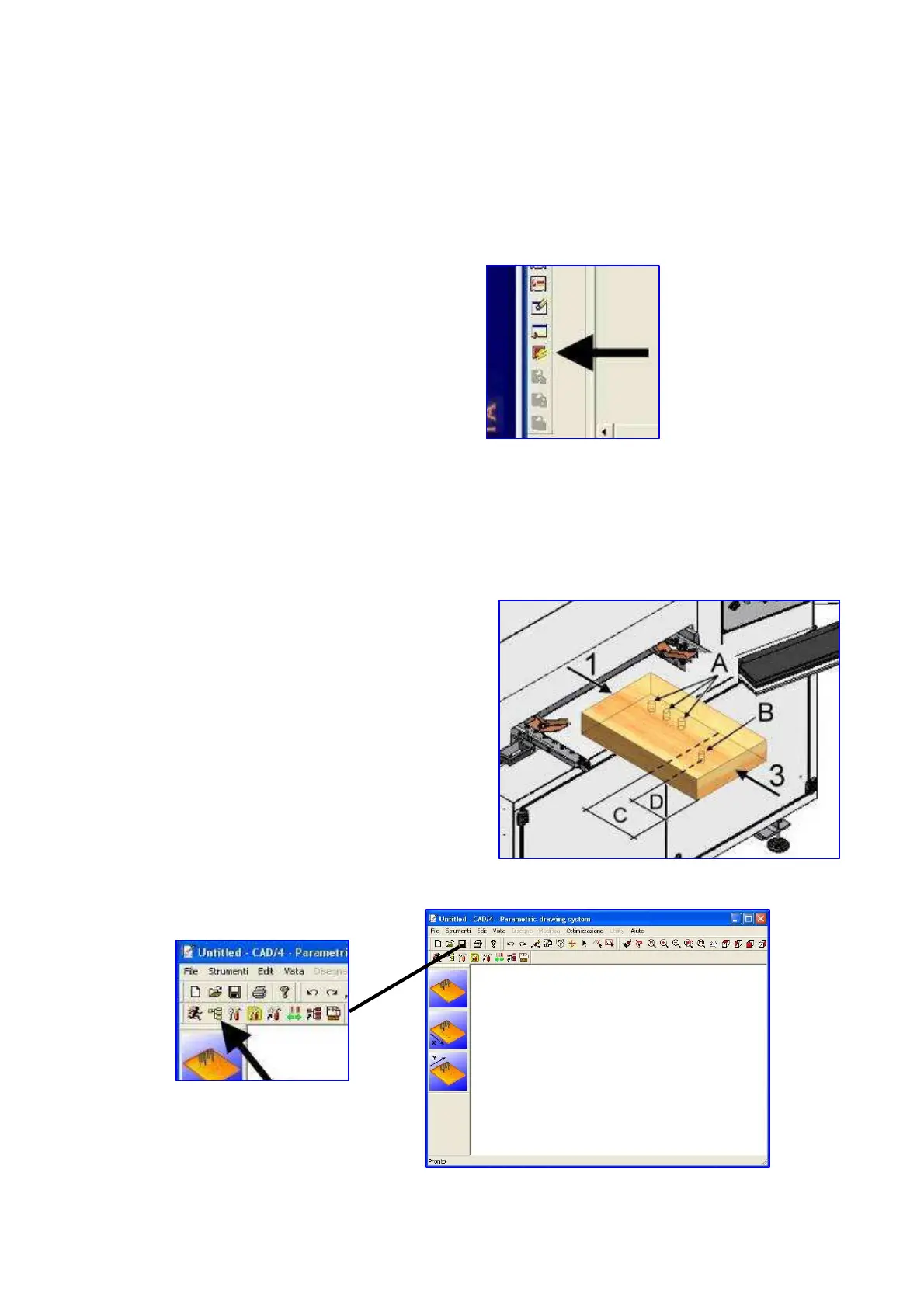
8) FUNCTION VERTICAL DRILLING COVERING THE ZONE TAIL
Initially, the shares in X (QX) of vertical holes are
reported to face 1
If we activate this feature, Figure A, the holes will
be reported to the face 1 and the drill B to the face
3.
We define an area C that is the QX are reporting to
face 3
The distance of the holes D, from the face 3, it
must be a lesser extent to C . D <C.
Activation:


 To Next Page