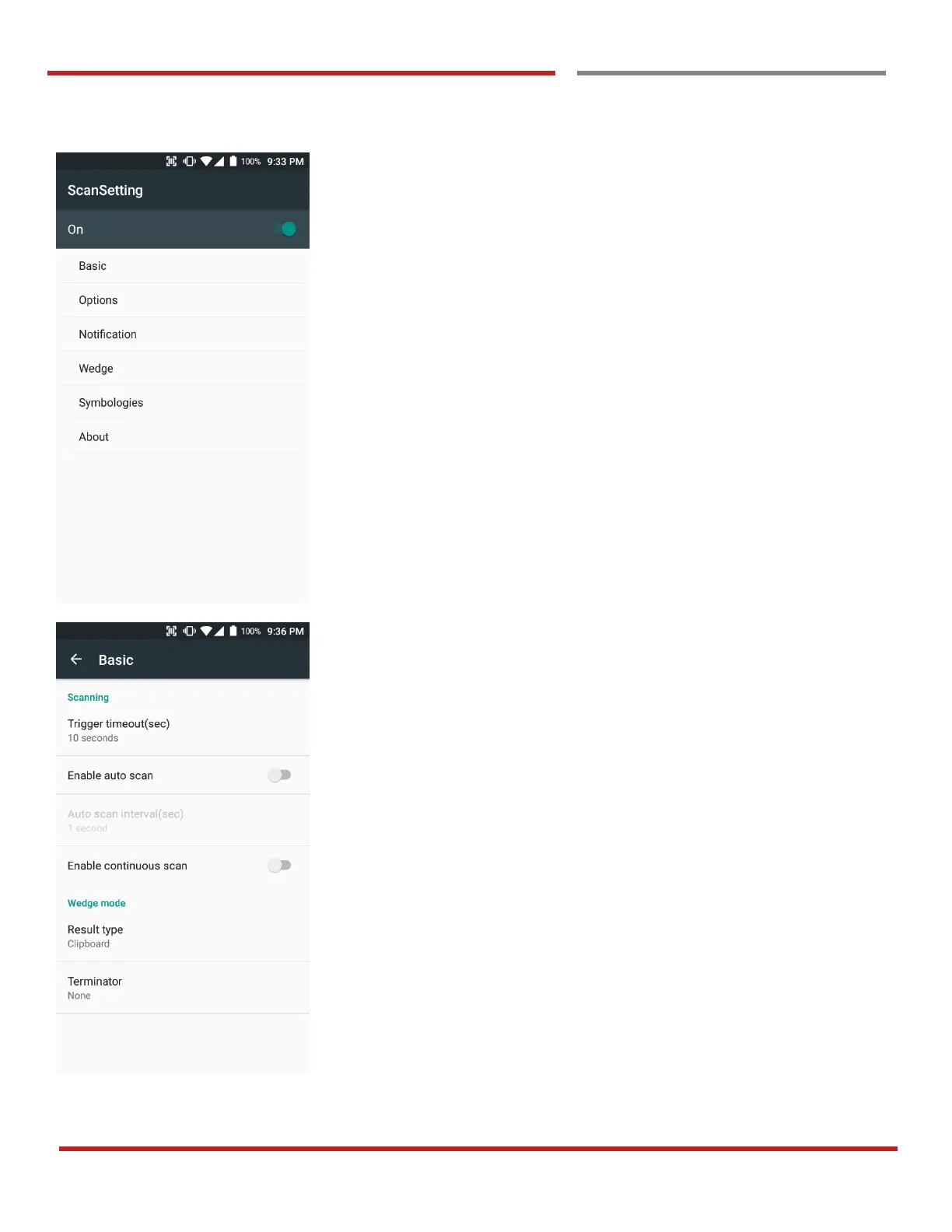
Scanner setting details
Scanner setting consist with “Basic”, “Options”,
“Notification”, “Wedge”, “Symbologies”, and “About”
In the “Basic”, you can set “Scanning” option and “Wedge”
mode option
In the “Scanning menu”, you can change Scanner’s trigger
time out and set “Auto scan” & “Continues scan”
In the Wedge menu you can change, decode scan data’s
result type handling “User Message”, “Keyboard Event”,
“Clipboard’ or ‘Intent Broadcast’. Also you can set
“Terminator” – “Space”, “Tab”, “LF” or “Tab & LF”



 To Next Page