EasyManua.ls Logo

POINTMOBILE DOT-PM80 - Scanner Options Configuration; Scanner Notification Settings

Default Icon
76 pages
Print Icon
To Next Page IconTo Next Page
To Previous Page IconTo Previous Page
Loading...
DOT-PM80 Android 6.0.1 User Manual
33
© 2006 2018 POINTMOBILE Co., Ltd. All rights reserved
Scanner Settings
Use a Scanner
Scanner Settings
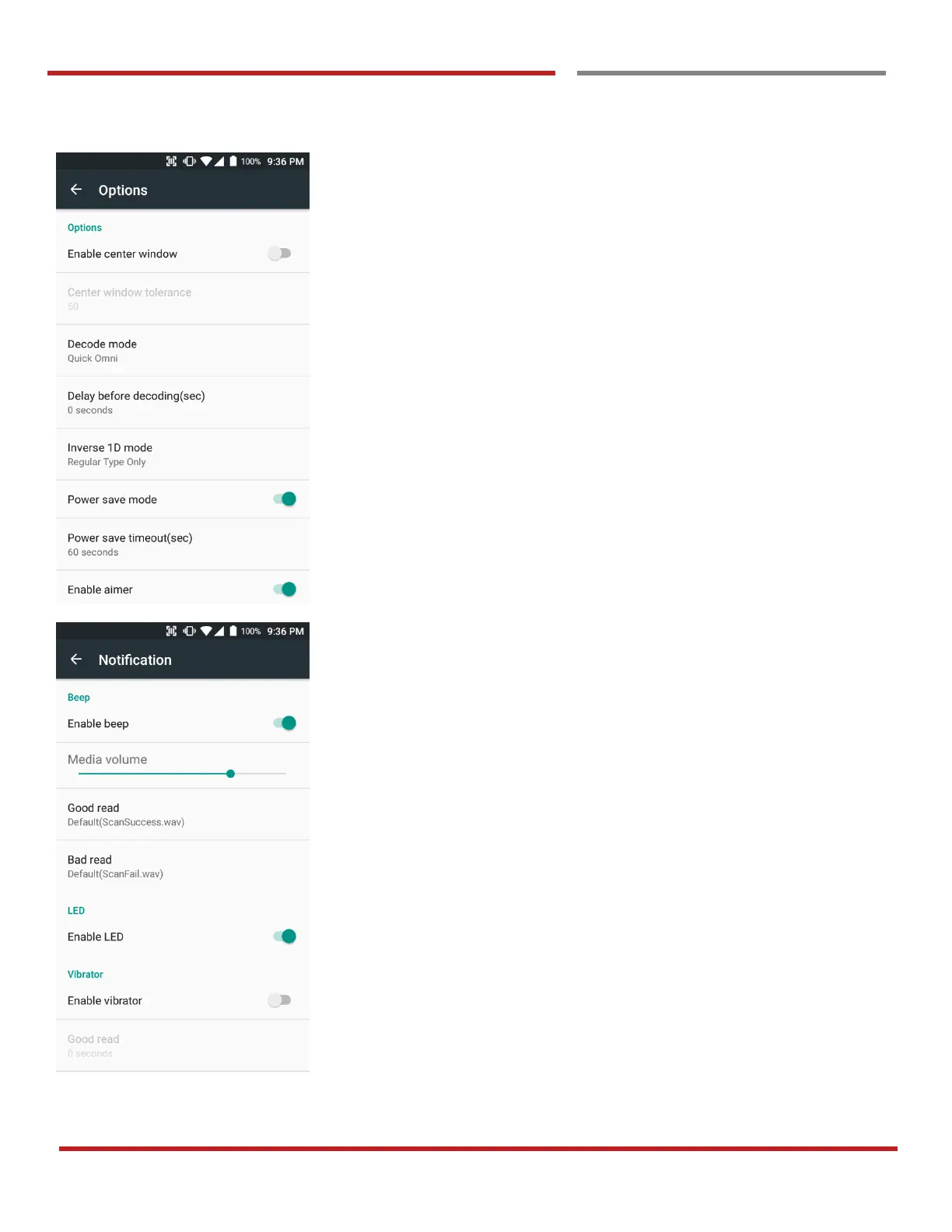
In the “Options”, you can enable / disable the “Center
Window”, set “Decode mode”, “Power save mode” and
enable / disable “Aimer” & “Illumination”
In the “Notification”, you can set notification option. You can
change the volume level, notification sound, LED and
vibration option