EasyManua.ls Logo

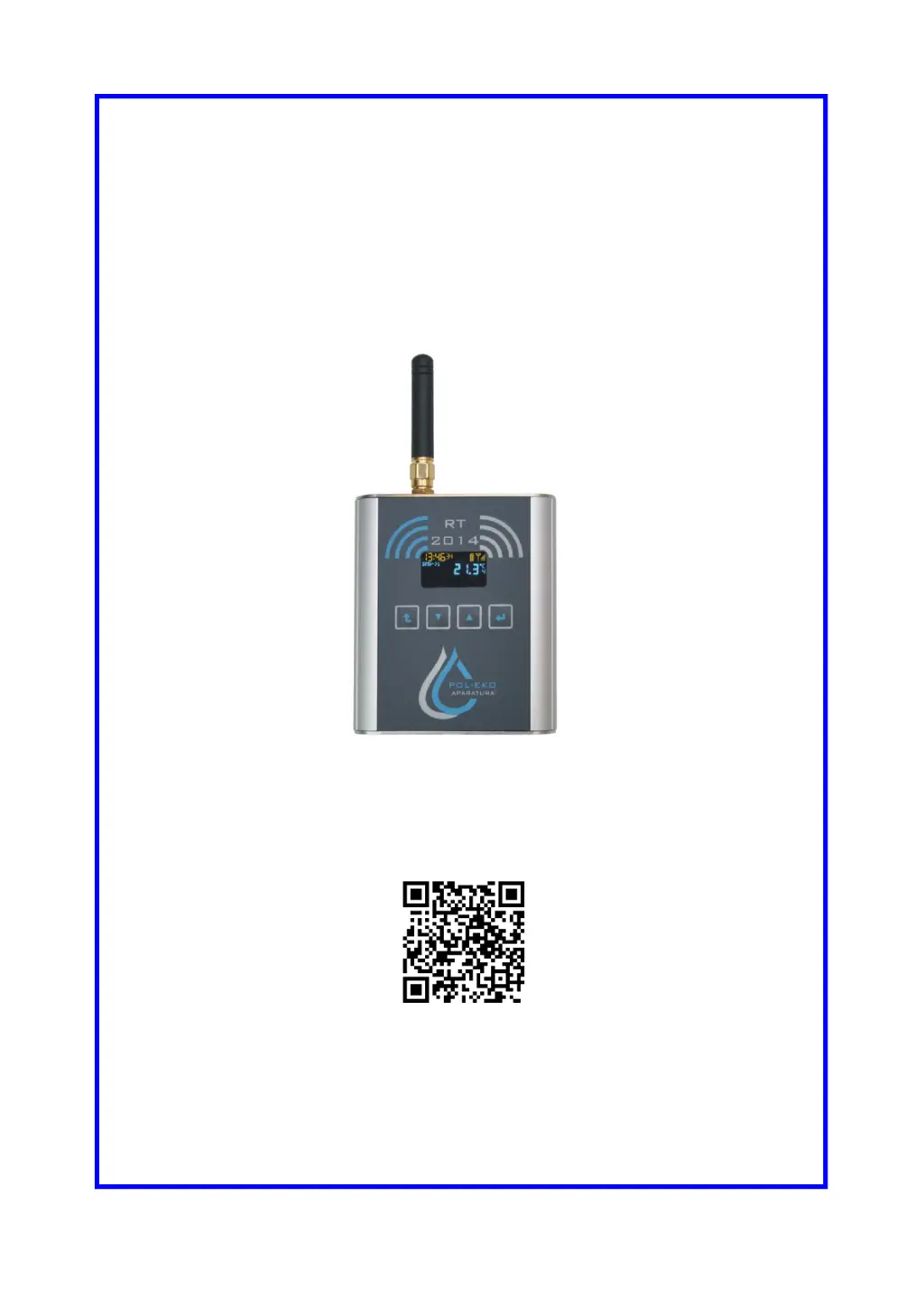
POL-EKO RT 2014 - User Manual

POL-EKO RT 2014
36 pages
Print Icon
To Next Page IconTo Next Page
Loading...
INSTRUCTION MANUAL
Temperature data logger
with text message notifications
RT 2014
Caution:
Before using the device first read carefully this manual!
Manufacturer:
POL-EKO-APARATURA sp.j.
Ver 1.49
Data 05.10.2020

Questions and Answers

  • T
    Tyler WeissAug 12, 2025
    How to fix a POL-EKO RT 2014 device that does not turn on?
    • T
      Tara MayerAug 12, 2025
      If your POL-EKO Data Logger isn't turning on, try these steps: 1. Ensure the unit is connected to the AC/DC adapter. 2. If the power cable is bent or damaged, replace the cable or AC/DC adapter. 3. If the device is completely discharged, turn off the logger, charge the battery, then turn it back on.
  • A
    Amy MartinezAug 19, 2025
    Why is the power supply / charging icon flashing on my POL-EKO Data Loggers?
    • T
      Traci JonesAug 20, 2025
      If you're experiencing a flashing power supply or charging icon on your POL-EKO Data Logger, it might be connected to a USB socket with low charging efficiency. To ensure stable power supply and charging, connect the data logger to the supplied power adapter.
  • T
    tinafergusonAug 27, 2025
    How to troubleshoot no connection to the WIFI network on POL-EKO Data Loggers?
    • C
      Carolyn MayoAug 27, 2025
      If your POL-EKO Data Logger isn't connecting to the Wi-Fi network, first check the Wi-Fi network coverage with another device (like a smartphone or tablet). If the network is available, verify the LAN settings in the AVIA application.
  • B
    brianna13Sep 2, 2025
    What to do if POL-EKO RT 2014 Data Loggers alarm notifications are not working?
    • M
      Mrs. Christine MartinSep 3, 2025
      If you are not receiving alarm notifications (text message, call, or both) from your POL-EKO Data Logger, consider the following: * Check the remaining amount of the card (if the card is pre-paid). * Check the signal level on the main screen, ensure the GSM antenna is properly mounted and move the recorder closer to the window. * Check if the SIM card is inserted.

POL-EKO RT 2014 Specifications

General IconGeneral
BrandPOL-EKO
ModelRT 2014
CategoryData Loggers
LanguageEnglish