13
2. Copy the proper files (FWRT2014.bin) to microSD card (the file with program has to be locat-
ed in the main folder on microSD card),
3. From the MENU choose option UPGRADE (or UPGRADE\Firmware) and approve,
4. Update can last up to several seconds – during that time the display will be switched off,
5. After finishing the upgrade erase the files (FWRT2014.bin) from microSD card.
6.3 Reset of the device
Reset of the device should be made in the following order:
1. Plug micro-USB cable to the charger,
2. Plug the charger to the mains,
3. If the device is completely discharged, leave it to chargé for 60min (it’s forbidden to push any
button during charging!),
4. Push RESET button one time (location of the buton – see point 4),
5. Test the device by entering MENU and checking the operation.
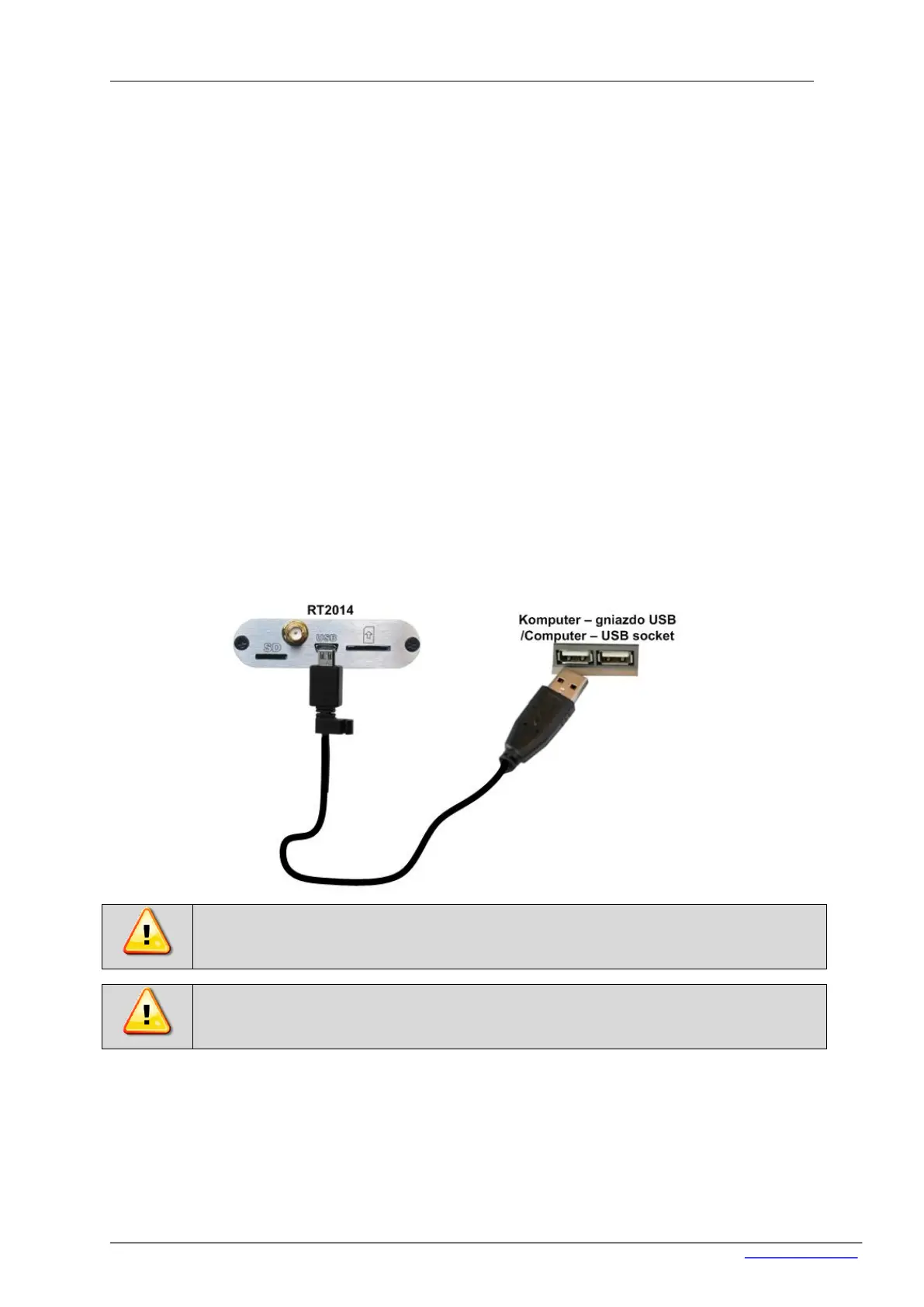
6.4 Connection the device to the computer
Connect the device to the computer using microUSB-USB cable. In order to handle a data logger
through the computer, the Avia application is needed.


 To Next Page