10
11
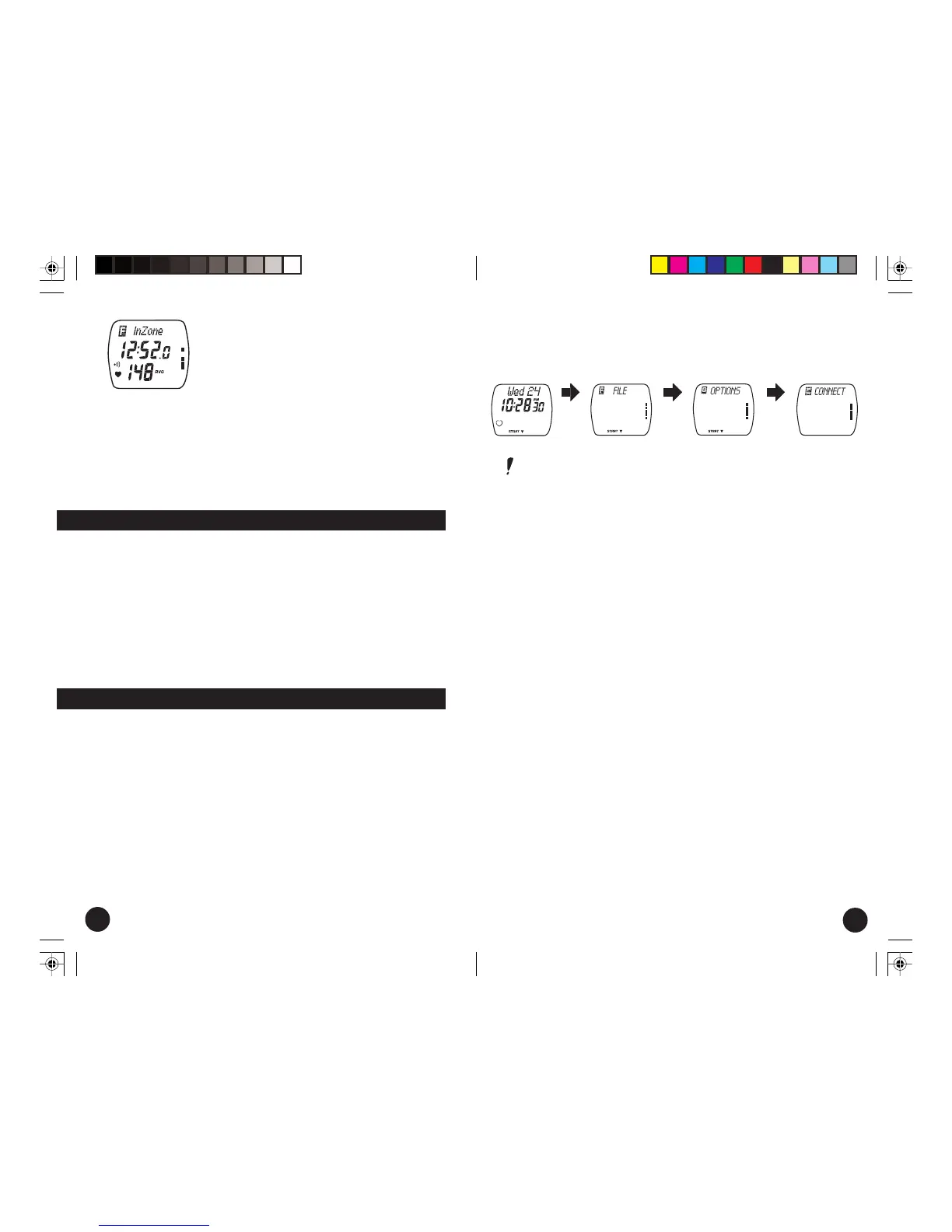
3. Press the red button one time. The time in
zone and average HR for the exercise will
be displayed.
4. With each press of the upper right button,
further data will be displayed in the
following order: time above zone, time
below, recovery time, laps, total exercise
time, heart rate limits, heart rate samples.
(Recovery time and laps are displayed
optionally.)
5. To return to the Time of Day, press and
hold the blue button.
press
upper
right
button
press
upper
right
button
press
upper
right
button
3. Push the upper right button again and you will be at the
Computer Connect mode. This mode will allow you to
interface with your computer.
Note: Pressing the upper right button will advance you
through this cycle of modes, while pressing of the lower right
button will take you back to the previous mode. You can
return to the time of day at anytime by pressing and holding
the blue button.
Each of these primary modes contains a secondary level of
information and settings. They can be entered by pushing the red
button, and scrolled through by using the buttons on the right
side. Below is a brief listing of the contents of each mode. They
will be covered in detail, mode by mode, later in this manual.
File mode contains:
Recorded exercise information
Options mode contains:
Exercise Set, which contains:
Limits
Recovery calculation
Timers 1 & 2
Memory Set, which contains:
Recording rate
Watch Set, which contains:
Time of day
Date
Connect mode:
Allows you to interface with your computer.
Post Exercise Care
To keep your HRM in top working order, please follow these
simple steps.
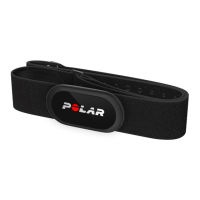
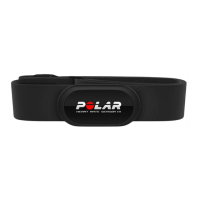
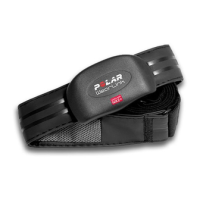
1. Wash the transmitter with a mild soap and water solution.
Never use alcohol or alcohol based cleansers.
2. Rinse the transmitter with clean water.
3. Dry the transmitter before storing as this will help to extend
the life of the battery.
4. The elastic strap can be machine washed in cold water with
laundry detergent, and then hung up to dry.
Modes and Their Functions
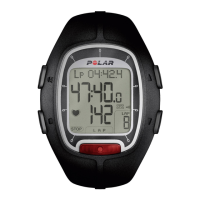
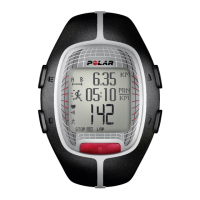
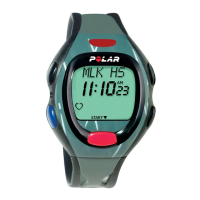
The Polar E600 HRM has different modes of operation accessible
from the Time of Day display. Besides the Measure mode, which
can be entered by pressing the red button, the other modes can
be accessed by pushing the upper right button.
1. From the Time of Day screen, press the upper right button once
and you will be at the beginning of the File mode. This is
where you will recall all of the data.
2. Press it again and you will be at the Options mode. Entering
this mode will allow you to set the functions of your HRM as
well as time, date, etc.
E600 USA C manual.pm6 19.11.2002, 15:2710-11



 To Next Page