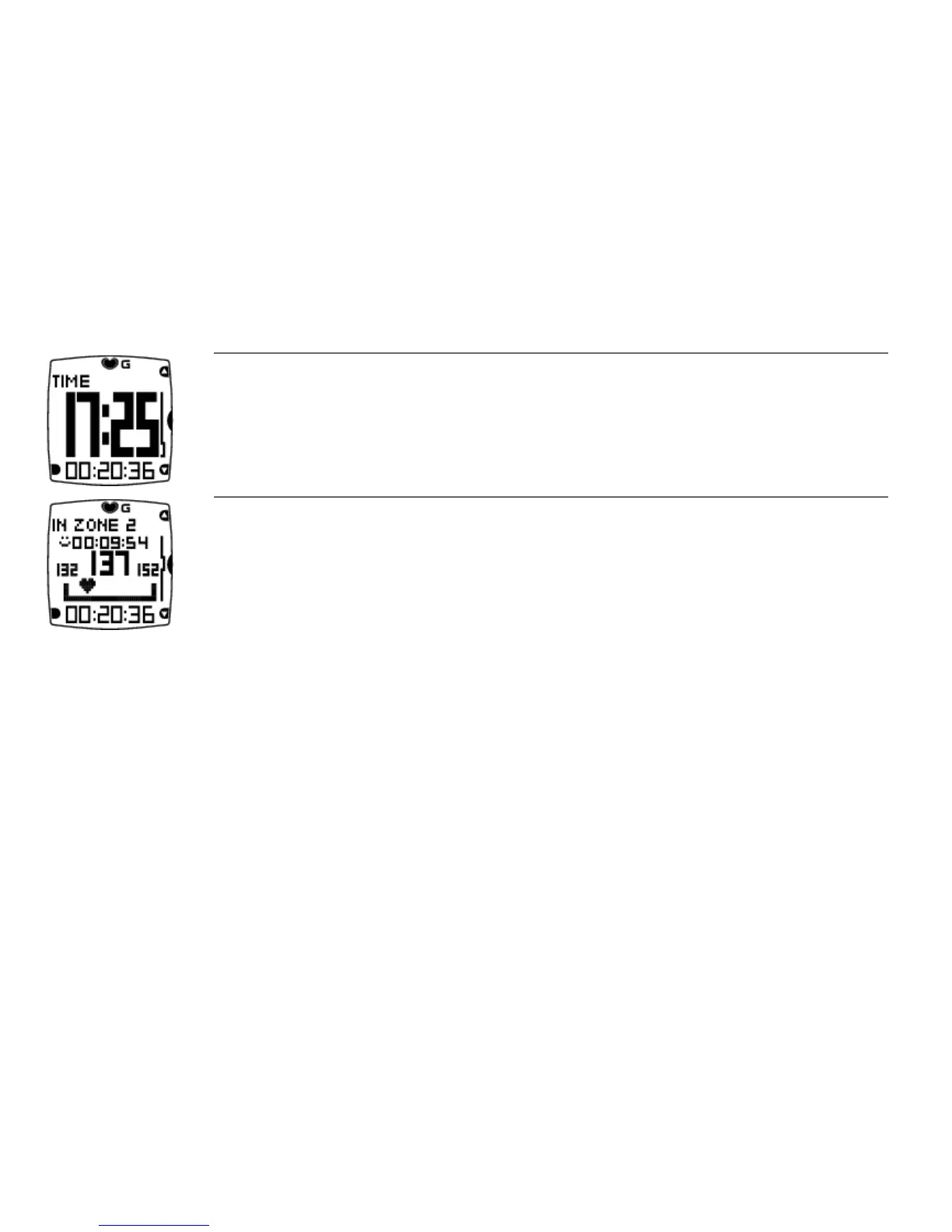
Time of day
Lock a zone: Depending on your goal for a training session, you can lock zone 1, 2 or 3 during the session.
When you are training in a desired zone, lock it by pressing OK for one second. For instance, when you have
achieved your weekly target for zones 2 and 3, you can lock zone 1. The zone alarm helps you stay inside the locked
zone.
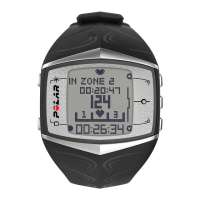
For example, zone 2 is locked in this image.
Quick Menu: Long pressing LIGHT during recording brings you to Quick menu. The Quick menu is a short
cut to locking buttons, adjusting training sounds, and if footpod is in use, calibrating it.
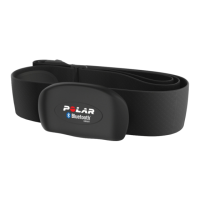
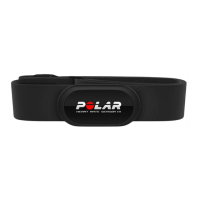
Heart Touch: Check the time of day during training recording by bringing the wrist unit near WearLink.
Set Heart Touch function On/Off in Settings > Training Settings > HeartTouch .
ENGLISH
20 Training





 To Next Page