Transfer Data
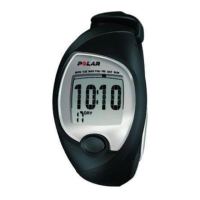
How to transfer data from your FT60 to polarpersonaltrainer.com
For long-term follow-up, you can store all your training files at polarpersonaltrainer.com. There you can
see graphs and more of your training data and get a better understanding of your training. With Polar
FlowLink* it is easy to transfer the training files to the web service.
1. Register in polarpersonaltrainer.com
2. Follow instructions to download and install WebSync data transfer software onto your computer.
3. Polar WebSync software is automatically activated and instructions for downloading the data are
displayed on your computer. Follow the instructions and your training data is transferred to
polarpersonaltrainer.com web service.
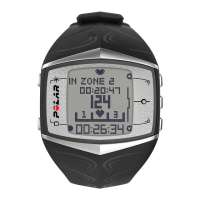
4. Place your FT60 onto FlowLink display facing down.
5. Follow data transfer process from the WebSync Software on your computer screen. For further
instructions on data transfer, see polarpersonaltrainer.com "Help".
*Optional Polar FlowLink required.
ENGLISH
After Training 31





 To Next Page