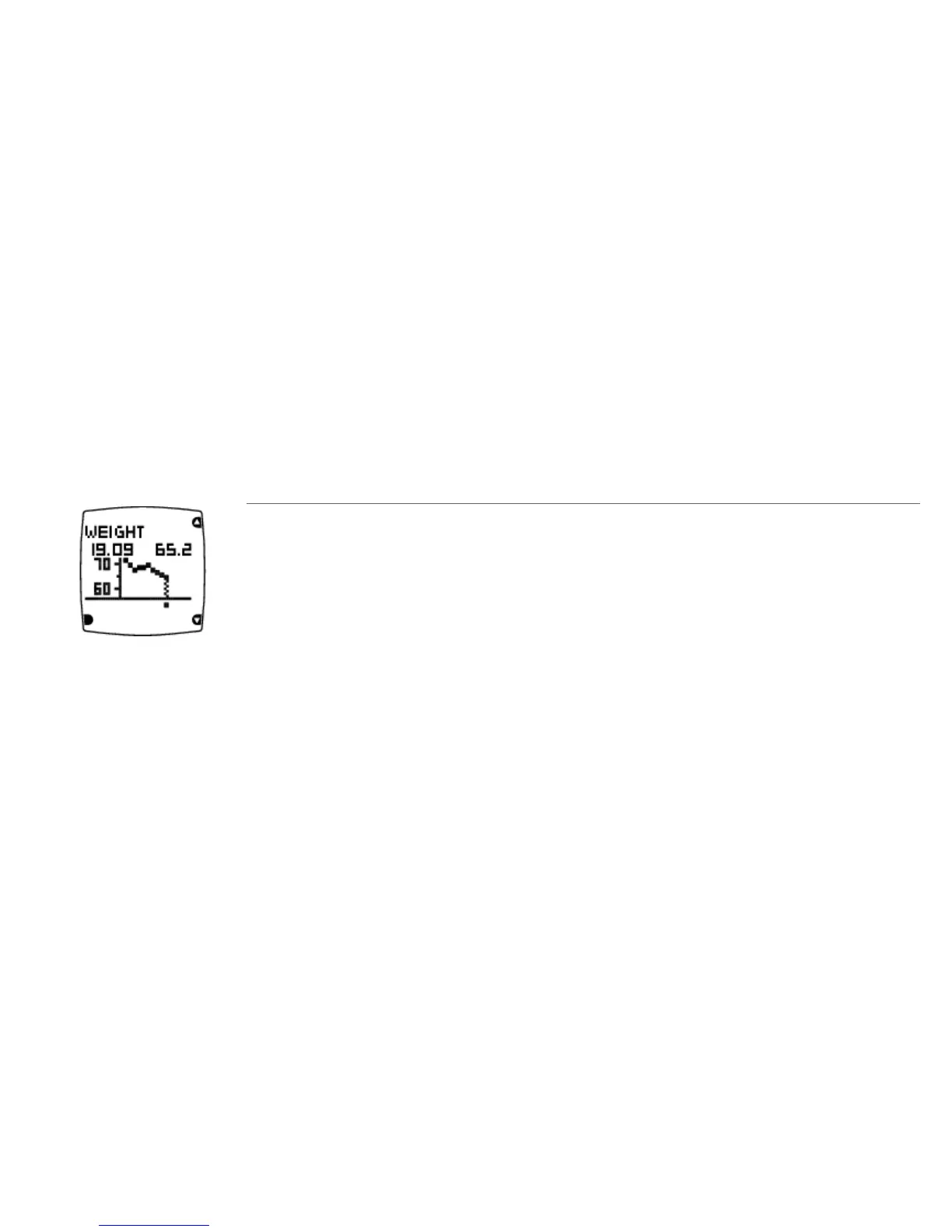
Weight Diary
In the weight diary, you can monitor your weight loss and view your progress over a period of time. To
update your weight, select Menu > Applications > Weight diary > Set current weight. Set your weight
and press OK. Your current weight will also be updated in User information.
To view your weight trend, select Menu > Applications > Weight diary > Weight trend and press OK.
Weight trend
The weight and the date on which it was entered.
The weight trend including the lowest and highest weight.
To delete a value, select the value you want to delete with UP/DOWN. When the value is displayed, press
and hold LIGHT until Delete this value? is displayed. Select Yes.
ENGLISH
After Training 27








 To Next Page