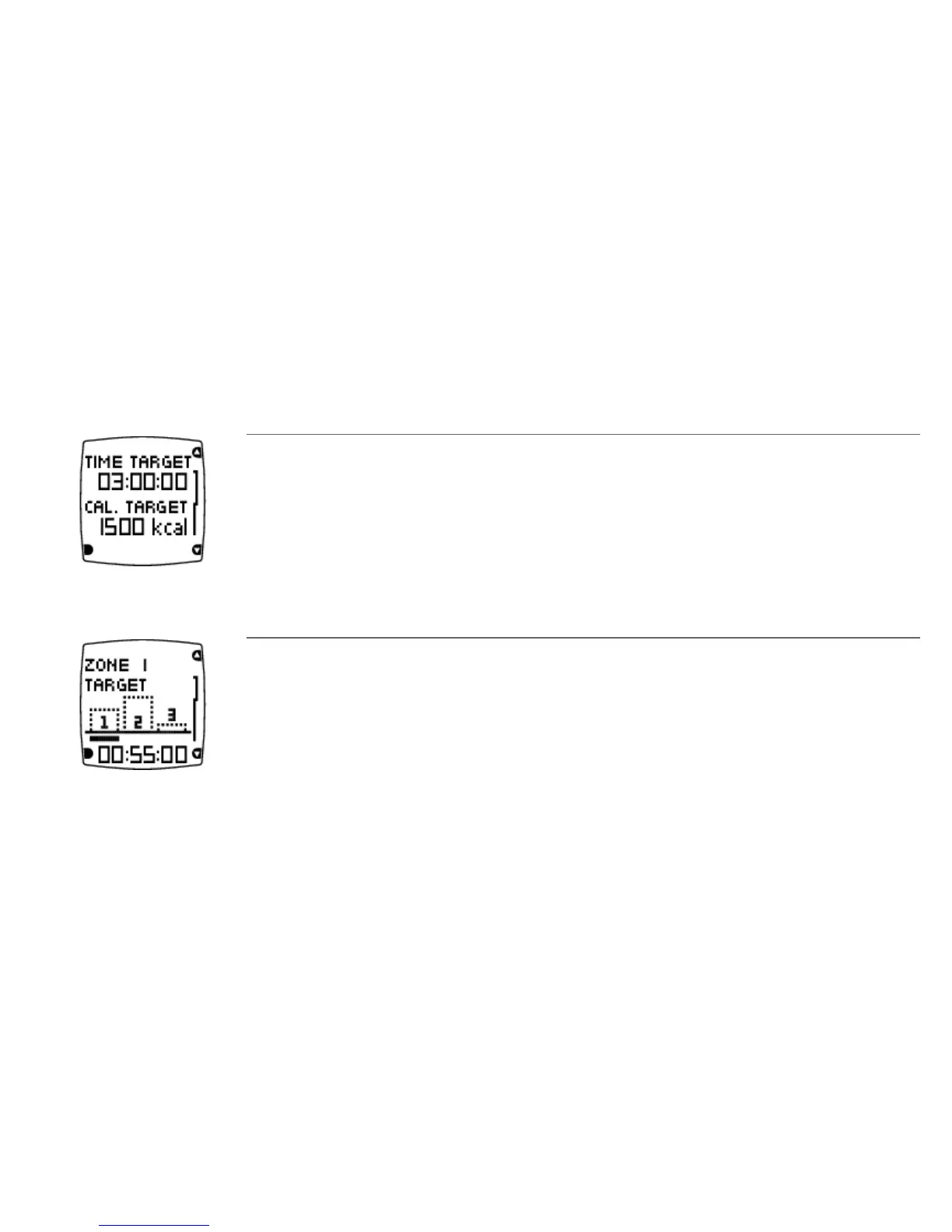
5. Next, View week targets? is displayed. Select YES to view the time and calorie targets for your first
training week. If you select No, Training program active! is displayed and the wrist unit returns to Time
view.
Time target
The amount of time you should train during this week.
Calorie target
The number of calories you should burn this week.
6. Press DOWN and OK to view your target training time in three different heart rate zones (intensity
targets). Press DOWN to change the display.
Time target for intensity zone 1
The bars indicate the target times in different intensities. The bars fill up as you train. The target time for intensity
zone 1 for the week is displayed in the lowest row.
7. You have now activated your training program. Press BACK to return to Time mode.
To view your week targets later, select Menu > Applications > Training Program > View week targets .
ENGLISH
Before Training 9








 To Next Page