22
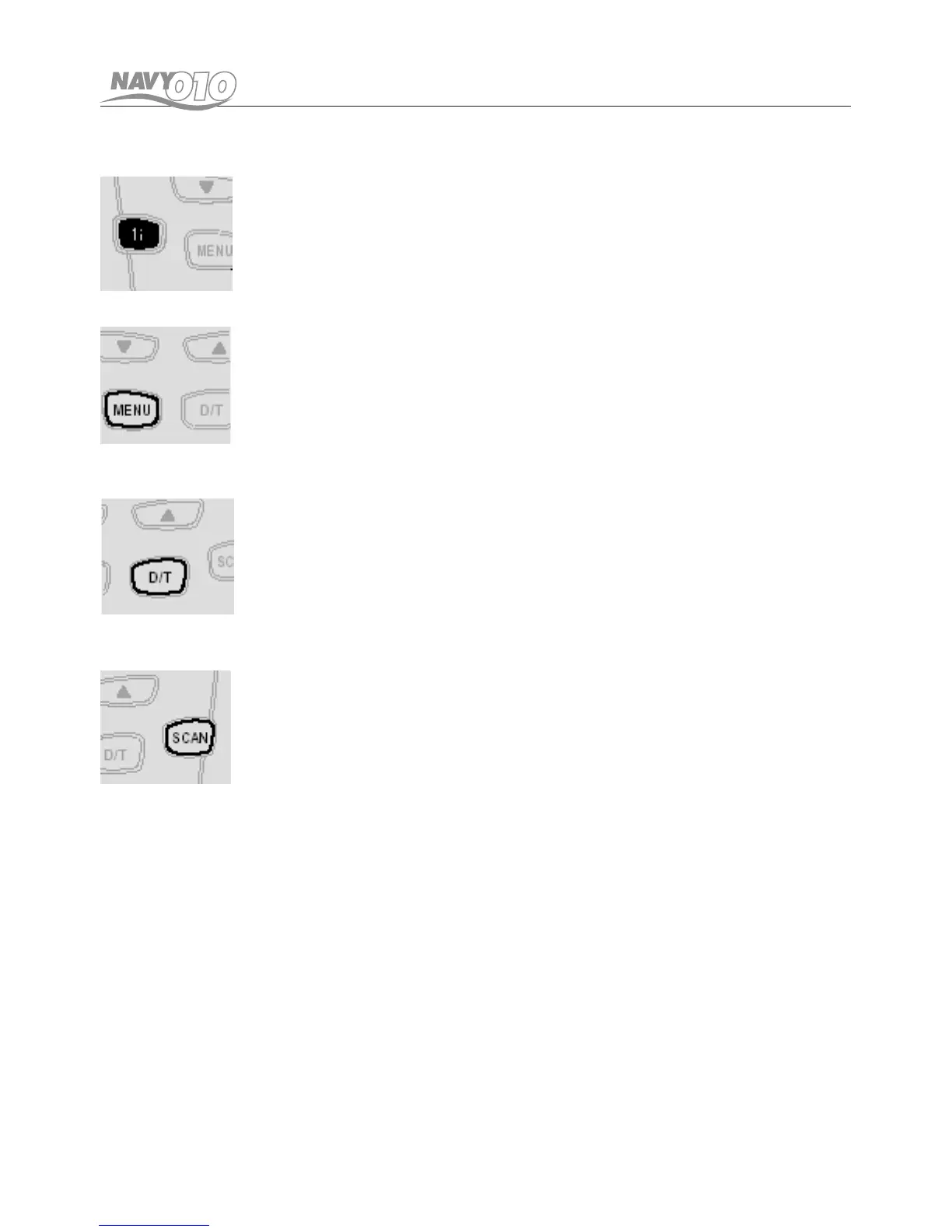
7. Channel 16 button
Press this button briey to enter the channel 16.
To return to the normal channel operation, press this
button briey again.
8. MENU & LCM button
Press this button briey to activate the function menu.
Press the button again (repeatedly) to step through
the function menu.
Press and hold this button to return to the previously
used channel.
9. DUAL WATCH & TRIPLE WATCH button
Press this button briey to activate and de-activate the
Dual Watch. Press and hold this button to activate or
de-activate the Triple Watch.
Pressing this button briey again during executing Tri-
ple Watch will change the mode to Dual Watch.
10. SCAN button
Press this button briey to activate or de-activate the
scan mode.
Pressing this button with one Priority Channel turned
on will activate or de-activate the Priority Scan



 To Next Page