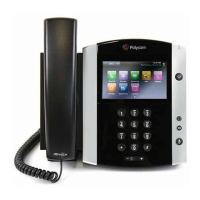
Polycom 650 IP Phone User Guide V1.0
Always -To forward all incoming calls. If you select this option, enter a number to send calls to and
then press Enable.
No Answer -To forward unanswered incoming calls after a set number of rings, enter your
forwarding number, how many rings to wait before forwarding and then press Enable.
Busy - To forward calls that come in when your line is busy, enter a number to send calls to when
your line is busy and then pres.
To turn off Call Forwarding, follow the same process, except this time press Disable.
Note: Divert All Calls can also be set up from the Horizon online control panel.














 To Next Page
