Important information:
Access to Emergency Services is provided but calls including emergency calls to 999 or 112, made via the
BT Broadband Voice service may not work in the event of power or broadband connection failure. These
failures may be caused by reasons outside our control. Location information, provided to the emergency
services, is limited to the location details associated with your primary Business PSTN billing address, this
may not be where the call was originated.
NEED
HELP?
EMERGENCY
CALLS.
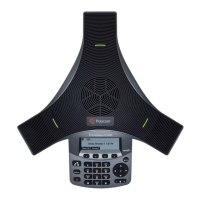
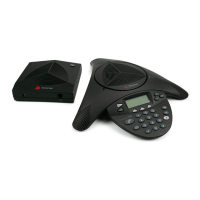
If you have any problems setting
up or using your Polycom IP
Phone, contact the IP Comms
Service Hub on 0800 389 0537
Set up.
Got everything? 3
Getting started.
Setting up 4
Check that you’re set up for the Cloud Voice Service 4
Getting to know your phone.
Now that you’re set up, it’s time to have a
look at what the phone can do 5
Soft Keys 5
General information. 7
WHAT’S IN THIS GUIDE.













 To Next Page