4
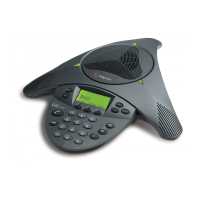
Take the conference phone out of its box and put it together as shown
in the Quick Start Guide provided. Then:
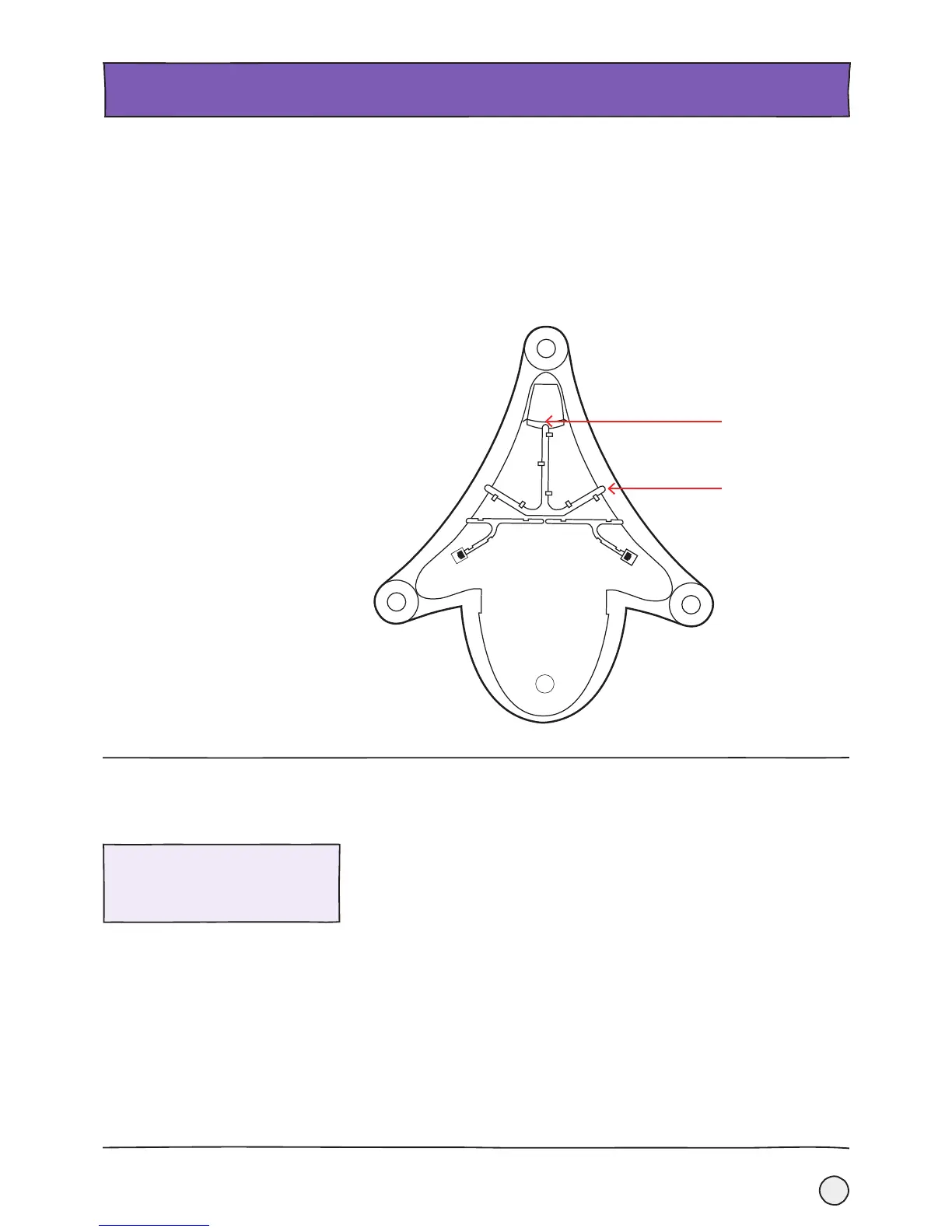
• Using the Ethernet cable supplied with the SoundStation 6000,
connect the LAN Port (as shown below) to the network port that
you’re using to provide network access.
• Power up the phone. If your network port is not giving PoE (Power
over Ethernet) then you’ll have a separate power unit that you’ll
need to connect instead.
Setting up.
GETTING STARTED.
LAN Port
Your Polycom SoundStation will be pre-loaded with all the information it needs to set
up the Cloud Voice Service without you doing anything.
1. Once your phone is connected to the network, it will do a series of firmware
updates. It will need a little bit of time to do this, so please be patient.
2. When everything is complete and ready to go, you’ll see the phone number
in the top left hand corner of the display. If this doesn’t happen, please call
us on 0800 389 0537.
Please note that during any future
upgrades or changes the same
sequence may take place.
Check that you’re set up for
the Cloud Voice Service
Power supply










 To Next Page