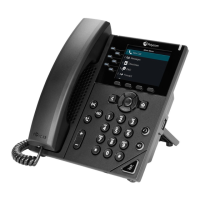
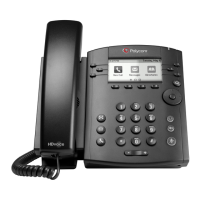
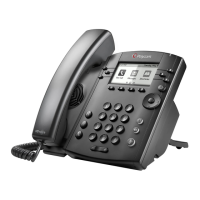
Enterprise Centrex – Polycom VVX300 phoneset quick reference
Updated: Jan 2017
Lift the handset + (Phone no.) + [ # ]
Note: Need to dial [ 9 ] before the phone no.
Lift the handset + (Extension no.) + [ # ]
Intercom dialing (using
"busy lamp")
[ Busy lamp for that ext. ]
To dial: Lift the handset + [ * ] + [ * ] + ([0][0] – [9][9]) + [ # ]
* Customer needs to define speed dial in user portal first
Ringtone:
to decrease or increase
Voice: Lift the handset + to decrease or to increase
To hold: (Call connected) + [Hold]
To retrieve: (Call held) + [Resume]
To set: [*] [0] [5] + (Phone/Extension no.) + [Dial]
To cancel: [#] [0] [5] + [Dial]
To set: [*] [2] [5] + (Phone/Extension no.) + [Dial]
To cancel: [#] [2] [5] + [Dial]
No answer call
forwarding
To set: [*] [3] [5] + (Phone/Extension no.) + [Dial]
To cancel: [#] [3] [5] + [Dial]
Call transfer - Blind
transfer
(Call connected) + [Transfer] + (Extension no.) + [Transfer]
Call transfer -
Consultation transfer
(Call connected) + [Transfer] + (Extension no.) + [ # ] +
Wait for answer + [Transfer] + Hang up
(Call connected) + [Confrnc] + (Phone no.) + [ # ] + answer + [Confrnc]
Call park:
(Call connected ) + [another line key] + [ * ] [ 8 ] [ 4 ] + [ # ] + [ # ] + Hang up
Call retrieve:
Lift the handset + [ # ] [ 8 ] [ 4 ] + [ # ] + (Self extension no.) + [ # ]
Lift the handset + [ * ] [ 1 ] [ 1 ] + [ # ]




 To Next Page