By feature access code, applicable to ALL extensions: Llift the handset + [ * ] [ 2 ] [ 1 ] +
(Ringing extension no.) + [ # ]
By "busy" lamp field, applicable to preset extensions: Lift the handset + [ Busy lamp for
that ext. ]
[ * ] [ 7 ] [ 7 ] + (Paging group no.) + [ Dial ] + Announce
[Directory]+ Choose [ BroadSoft Directory] + Select + AdvFind + Submit
[Call List]+ Choose [Type] + Choose [All Calls] / [Missed Calls] / [Received Calls]/
[Placed Calls]
[Voicemail] + (Lift handset) or (Lift handset) + [*] [9] [0]
Listen to voicemail
(outside office)
From other phone: (Dial 2562 0111) + (Your phone no.) + [#] + (Your voicemail
password) + [#]
IDD & chargeable call
password
To lock: [ * ] [ 0 ] [ 4 ] + [ # ] + (System will prompt to enter password) + (Password) +
[ # ]
To unlock: [ # ] [ 0 ] [ 4 ] + [ # ] + (System will prompt to enter password) + (Password) +
[ # ]
To view information menu:
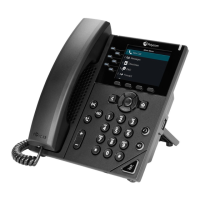
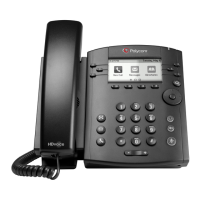
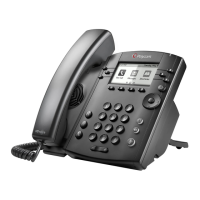
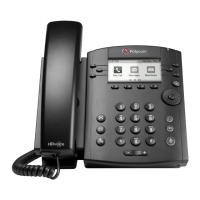
** Office Executive / Mobile Executive plan phone set model: Polycom VVX300
Service hotline number: 1833 133
Enterprise Centrex help link: http://www.pccwone.com/eng/ec_help.html
Voice mail box ad email reminder: customer is recommended to clean up voice mail box and email
regularly.




 To Previous Page